Extend Dataedo Repository
The Dataedo repository is a regular database, so you can work with its data outside of Dataedo. You can query it directly to build your own reports, integrations, or exports, and you can extend it with your own custom objects.
Accessing the repository directly
You can access the repository database directly using any database console that supports your repository engine, for example SQL Server Management Studio for a SQL Server repository. Log in with an account that has access to the repository database.
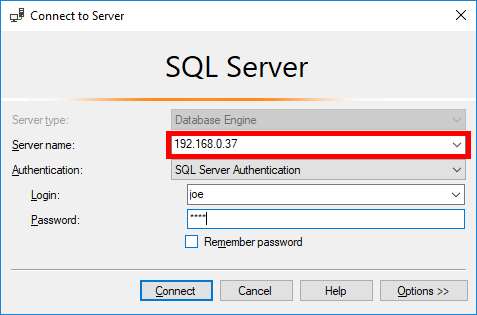
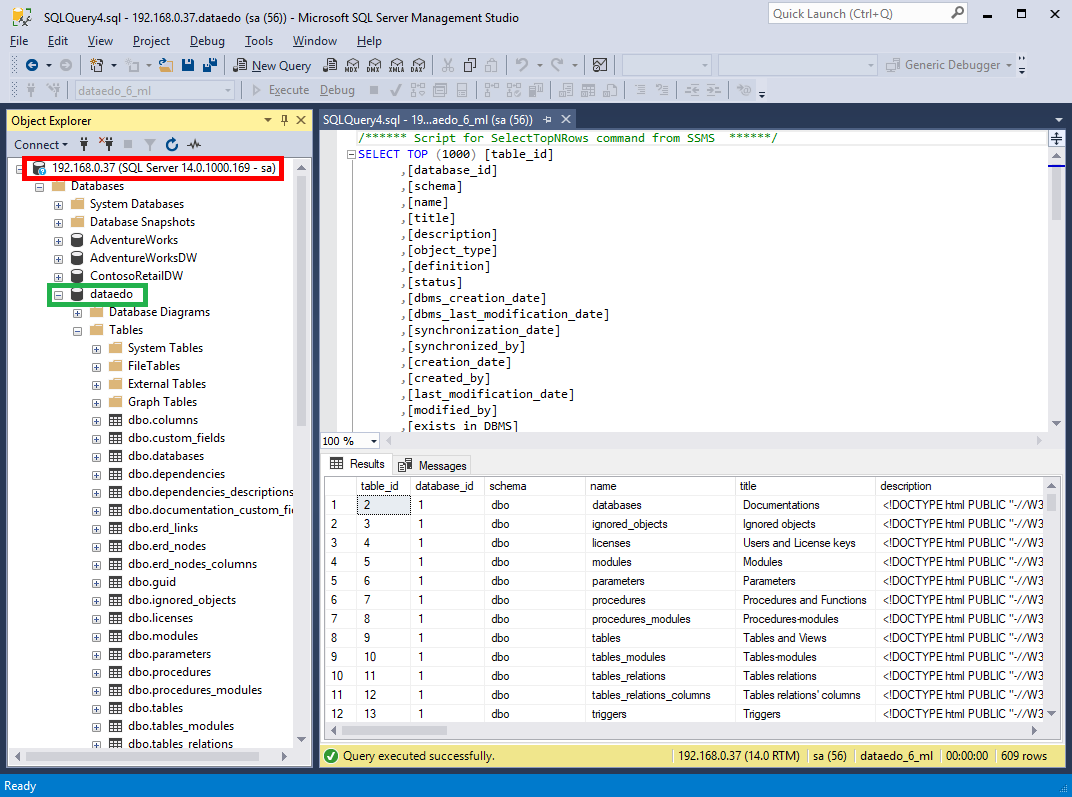
You are free to read the data, but make sure you know what you are doing when editing it. We recommend querying the repository in read-only mode — editing data directly can lead to inconsistencies, and any manual changes are made at your own risk.
Repository schema
SQL Server and Azure SQL repositories use the exact same schema. To help you navigate the tables and relationships, we maintain a full, always up-to-date schema reference online.
The schema can change between Dataedo versions, so avoid hard-coding assumptions that may not hold after an upgrade. For most day-to-day needs, the Dataedo application and its built-in exports are the safer route.
Custom tables and columns
Dataedo Repository ships with a number of predefined tables and columns. However, you can add your own custom elements to the repository database:
- tables
- schemas
- user-defined functions
- stored procedures
Naming convention
Each element you add to the database MUST conform to the following simple naming convention — its name must start with "_".
Example:
- Custom table: dbo._my_table
Existing schema
Do not modify any existing tables created by Dataedo. Doing so might result in crashes and errors, or in your repository not working altogether.
Fetching data through the Public API
If you want to integrate Dataedo with other tools, you don't have to query the repository database at all. The Dataedo Public API lets you fetch metadata from Dataedo, and also supports updating and creating certain objects.

