Permissions in Dataedo Portal
Accessing any data via Dataedo Portal requires correct permission. This allows detailed customization regarding who will be able to perform what action in the Dataedo Portal.
What are permissions
Permissions are a set of rules, saying Who (users or groups) should be able to do What (set of actions) in Where (which business glossary or database).
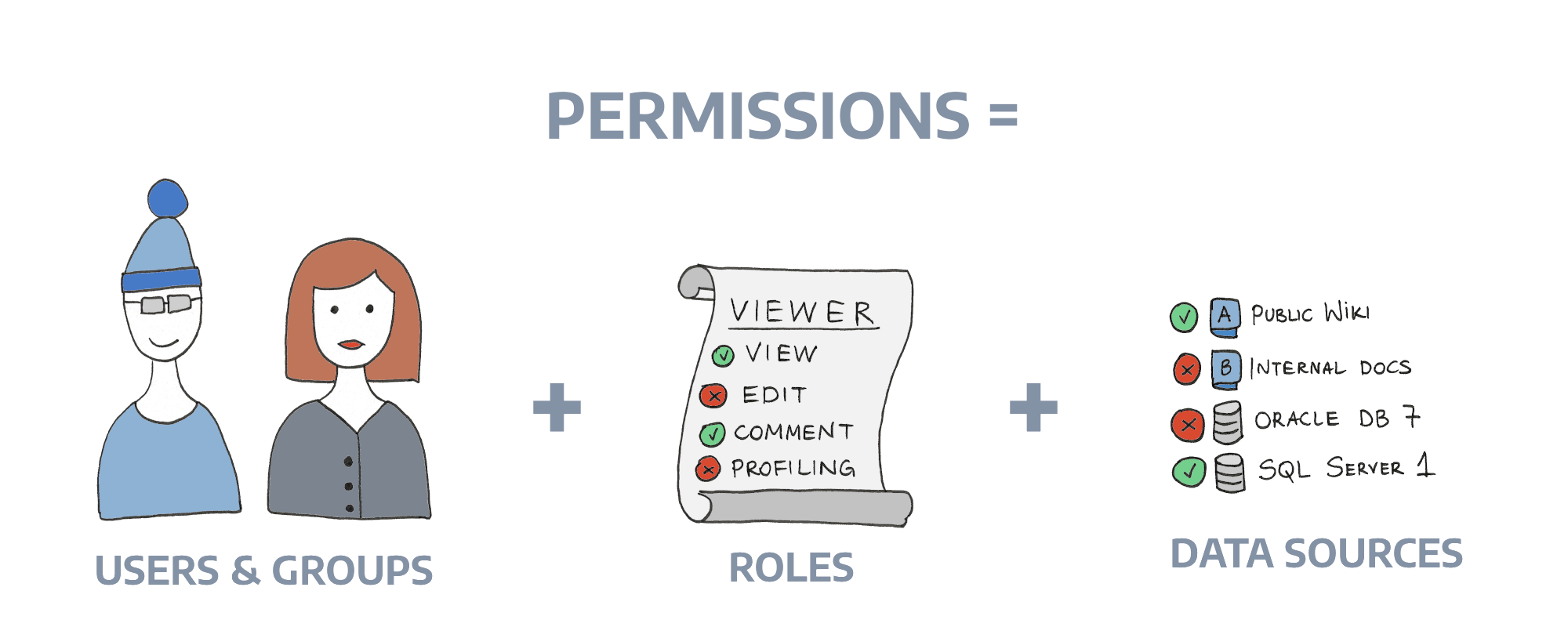
Technical details of Permissions are described in Dataedo Repository Schema.
Getting started
After fresh installation, the first registered user will be assigned an Admin role. All subsequent users will not be given any special permissions. If you want all users to have certain permissions, we advise setting a default group for all new users.
Read more in the Users management article.
Scope of permissions
Permissions in the Dataedo Portal allow you to configure things like:
- Results visible in search
- Available databases and glossaries
- Access to some tabs (Classification, Users management)
- Available actions (Editing)
- Visible details (Data Profiling or Lineage)
- Visible relations
- Community
A full list of all interactions between actions and portal functionalities can be found in the Actions article.

