Dataedo Portal Overview
Dataedo Portal is an on-premises, self-hosted web application, and the central tool for getting the most out of Dataedo.
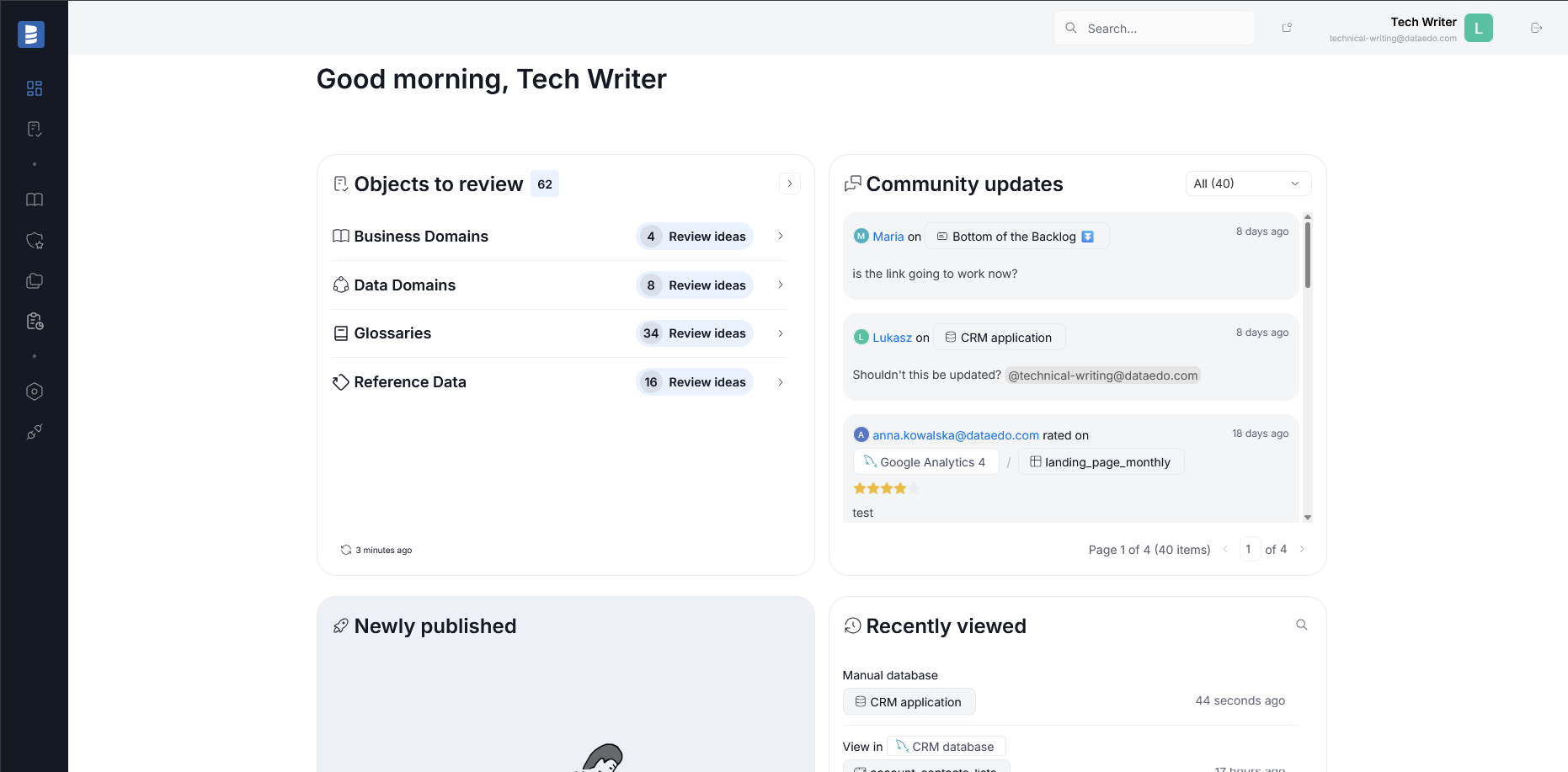
Some of the most important features of Portal are:
- importing metadata (not all connectors are currently supported for Portal, more here)
- configuring, assigning and reviewing Data Quality checks on the fly
- reviewing Data Lineage diagrams, which are generated automatically during import and can be fine-tuned afterward
- scheduling recurring Data Quality and Data Profiling checks as well as metadata imports, and reviewing their results
- creating and maintaining your data assets' documentation; assigning owners to those assets
- configuring Workflows
- organizing team collaboration through the community tab (comments, ratings, questions, to-dos)
- managing and configuring notifications about changes in your repository
- and more!
This list is non-exhaustive, as we develop Portal continuously. In essence, Dataedo Portal is the primary way to manage your metadata, while Desktop serves as a supplementary software for bulk actions. Because of this, Dataedo repository is shared between Desktop and Portal.
Dataedo Portal is available to all users, though holders of offline licenses must complete a few extra steps to keep Portal up to date.

