Working with Desktop
Edit mode and saving - Object editor
In object editors (tables, views, functions, and procedures), you edit the whole object at once. Editing is available right when you enter any field. When you make any change, an asterisk (*) is displayed beside the object title. The object is edited but changes are not saved yet.
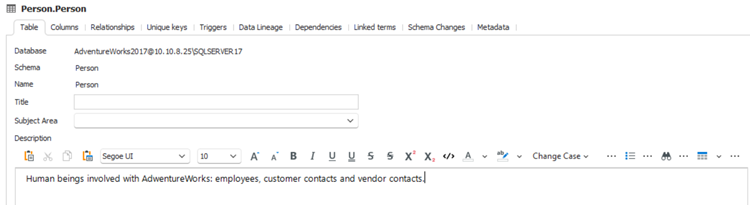
After editing, you need to save changes in objects. Saving impacts all object tabs. To save changes, click the Save button in the ribbon, press Ctrl + S, or confirm saving.
Edit mode and saving - Lists
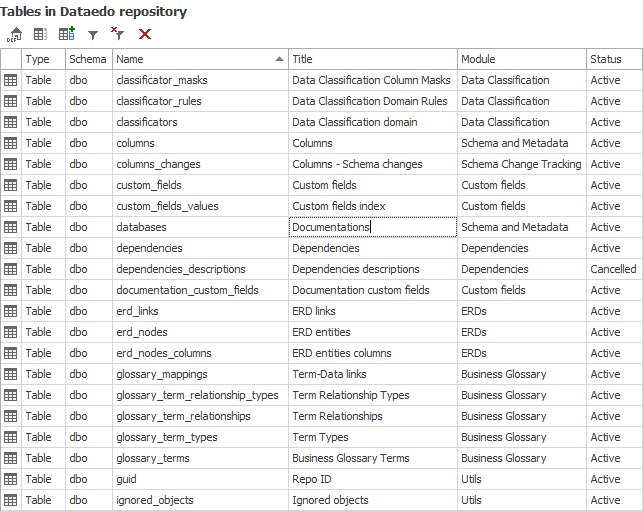
On lists (tables, views, functions, procedures, or modules), you edit one row at a time and changes are saved right when you exit the field.