Tableau
Tableau is a popular Business Intelligence (BI) tool allowing you to create extensive dashboards and connect to multiple source databases.
From Dataedo 10.4 we support Tableau Data Model connector that imports only database tables layer. In Dataedo 23.1 we introduce a new Tableau connector with much extended metadata import.
Cataloging and documenting Tableau
Report catalog
Dataedo imports the following report objects from Tableau:
- workbooks (as reports)
- dashboards and sheets (as workbooks' columns)
- virtual connection tables (as datasets)
- data flows (as datasets)
Data Dictionary
Dataedo imports the following dataset objects from Tableau:
- database tables (as datasets)
- data sources (as datasets)
- embedded
- published
- custom SQL tables (as datasets)
Data Lineage
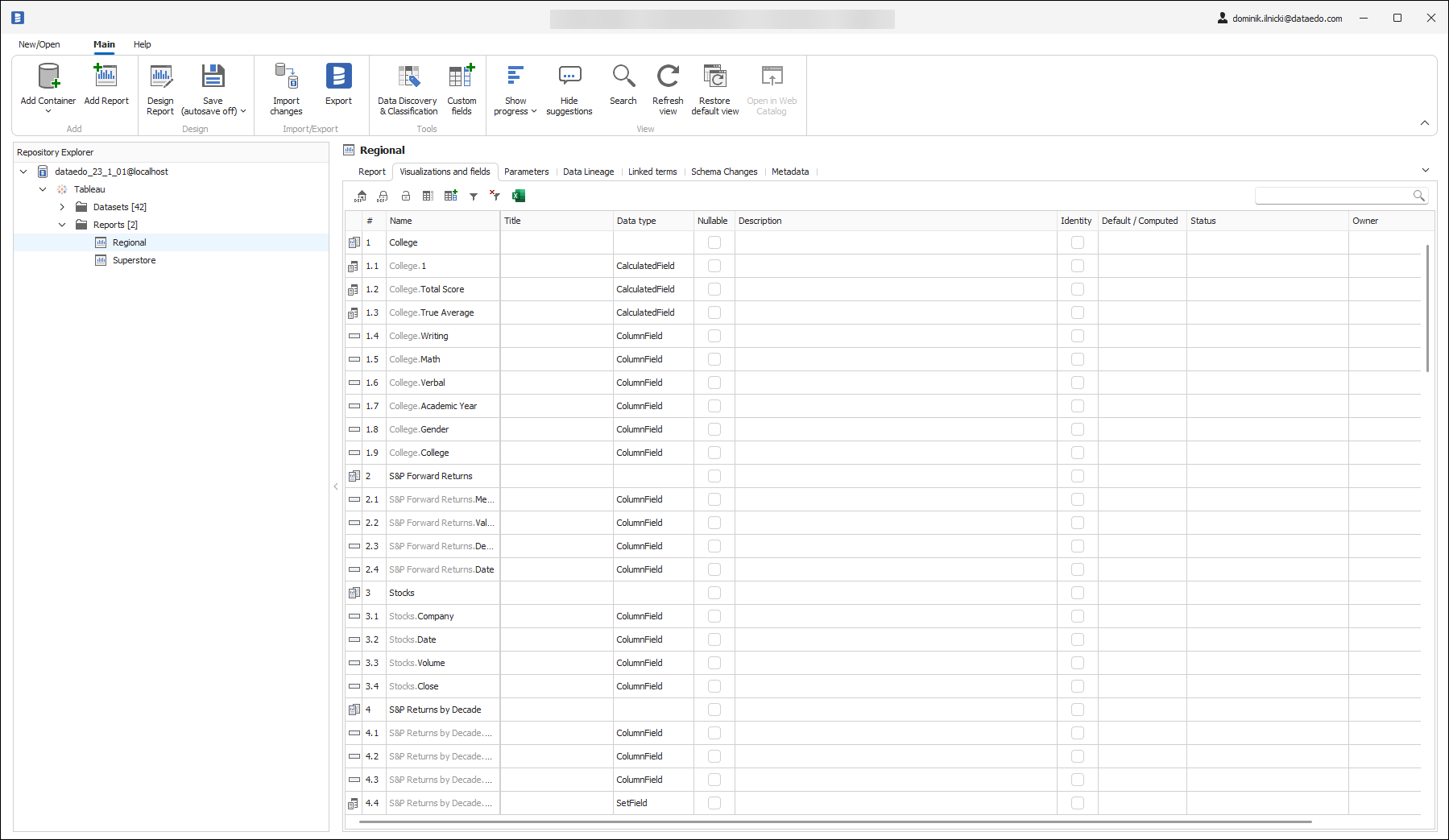
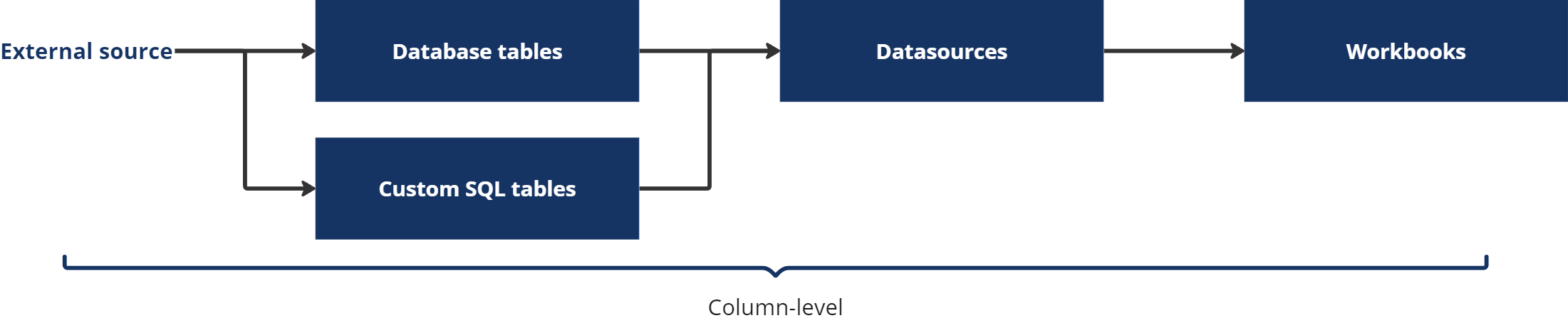
Dataedo builds column-level lineage automatically from your source database (SQL Server, Snowflake, Postgres, etc.) through database tables, data sources to workbooks.
Reports usage
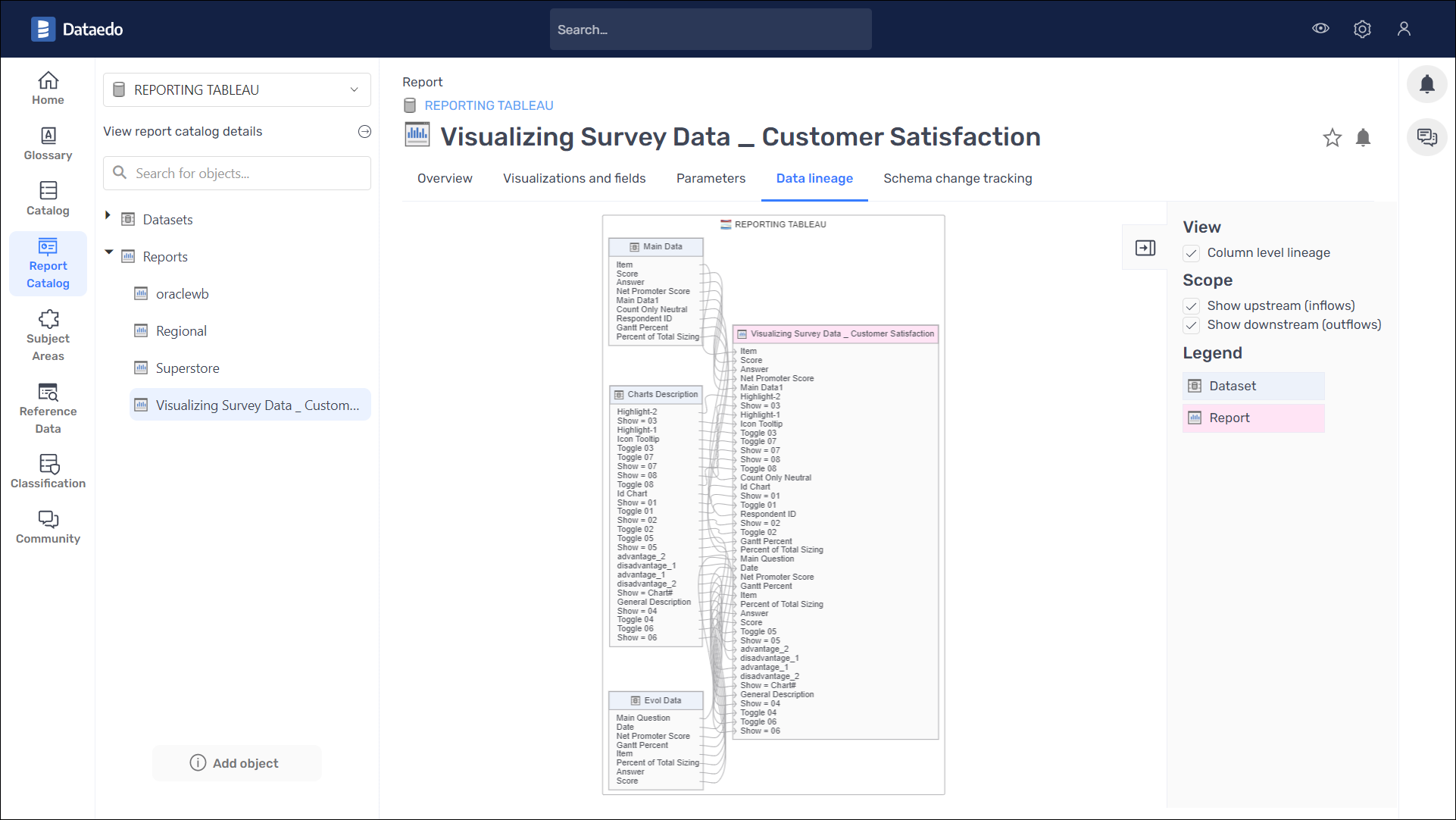
Starting with version 25.1, Dataedo will import information about usage of Tableau workbooks that can be used to answer questions concerning the number of their number of viewers and views. You can find imported data in Dataedo Portal in Reports Usage dashboard located in dashboards and Report Usage tab that is available from the perspective of report object:
Requirements
If you want to download reports usage using Dataedo Agent you need to configure it first following steps described in: Reports usage import - Dataedo Agent configuration
Reports usage data is retrieved from Tableau TS Events datasource which is downloaded via API and queried using Hyper API. In order to import reports usage data user must:
- have access to download TS Events datasource via API
- select Import reports usage option in connector import control window.
- consent to download Hyper Api Server executable (around 180 MB) which is needed to query usage data from Tableau TS Events data source - this download is required only once, and you’ll be prompted automatically when you attempt to import report usage using Dataedo Desktop for the first time.
Exporting comments to Tableau Catalog
If you have Data Management Addon in your Tableau instance you can export your descriptions from Dataedo into Tableau.
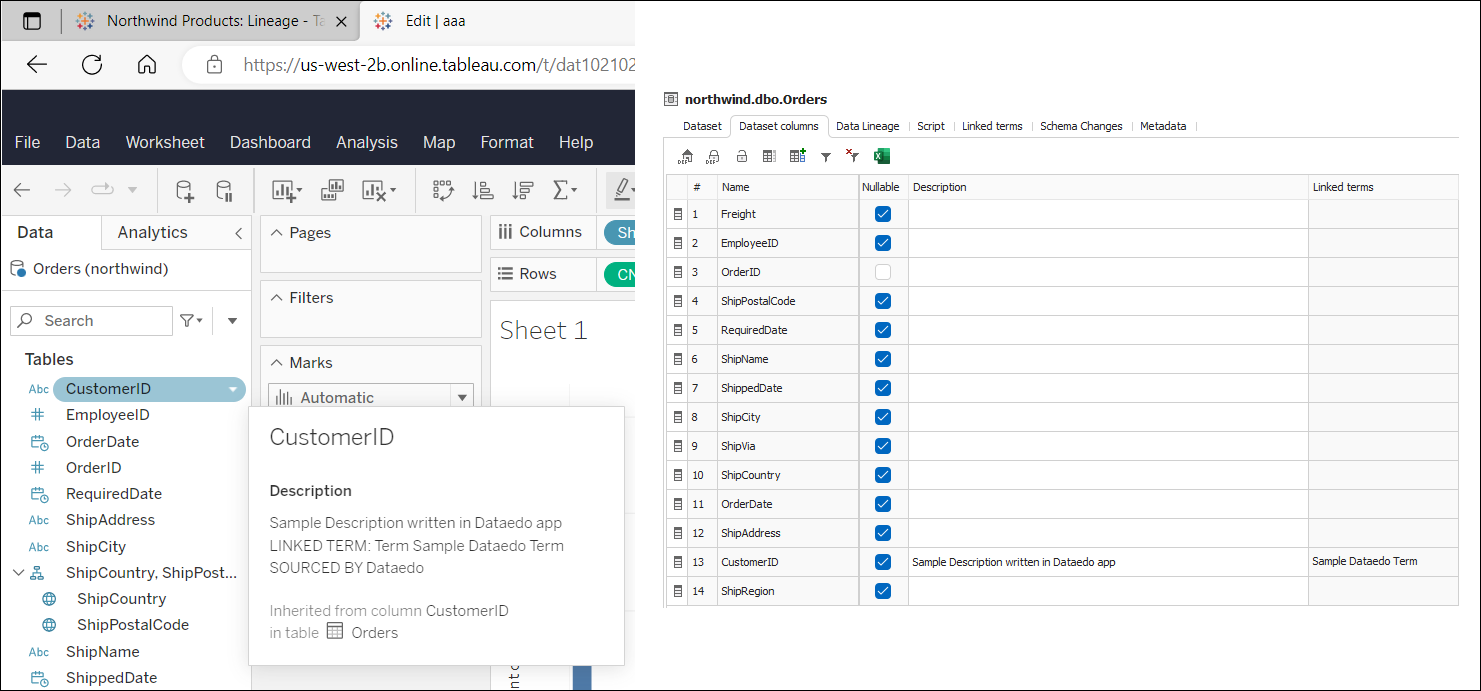
Exported database tables' descriptions are inherited by Data Source fields. In the Tableau Web editor, they are always visible to the user, while in the Tableau Desktop editor, exported descriptions are visible only for Published Data Sources.
Add description to database table columns in Dataedo.
Right click on Tableau documentation in Dataedo.
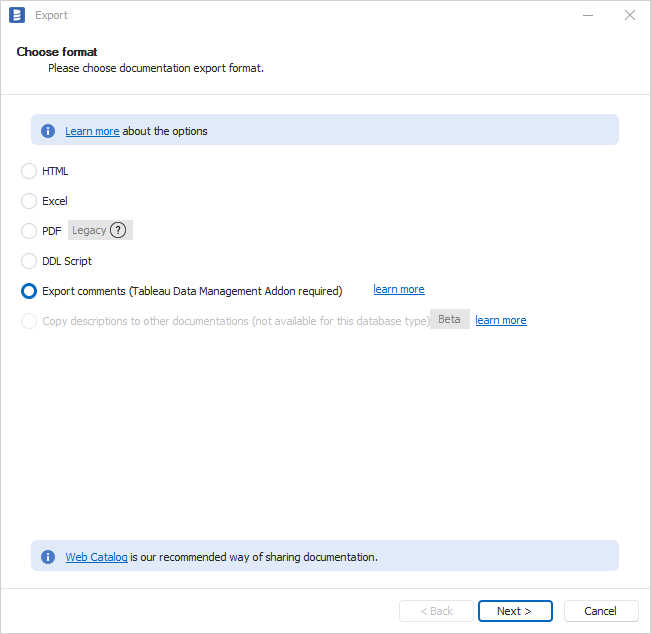
Click on "Export" and "Export comments (Tableau Data Management Addon required)" and select "Next".
Provide connection information if needed and click "Next".
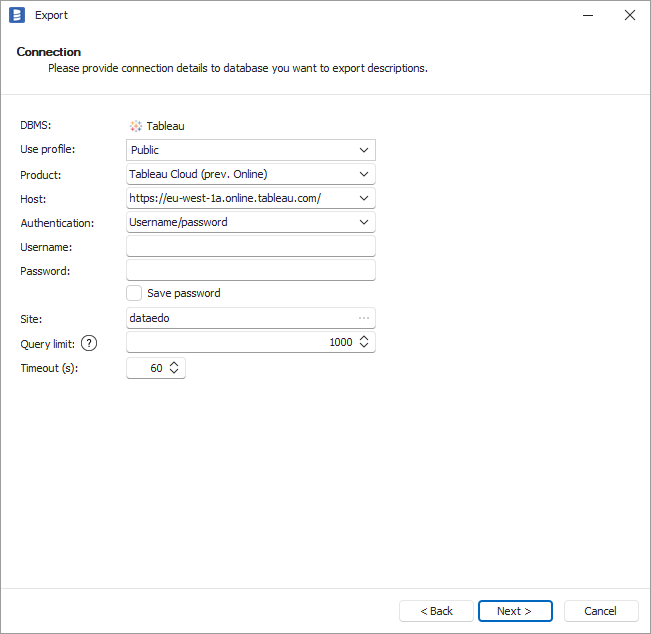
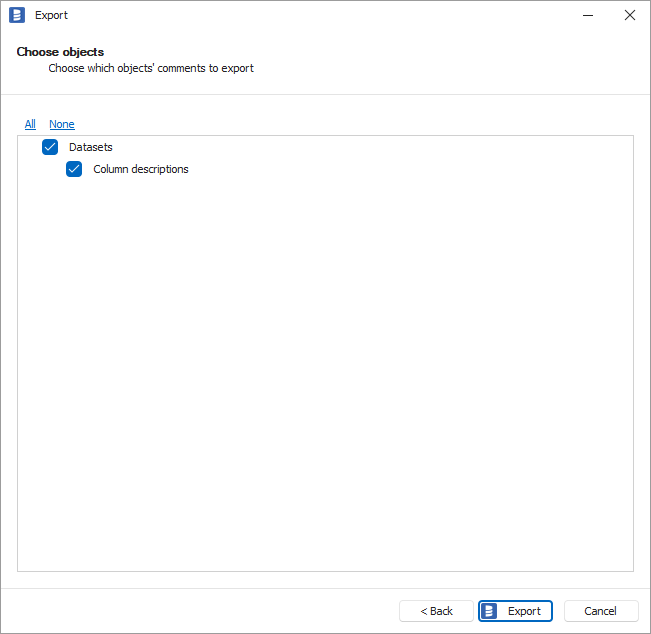
Keep everything selected on a next screen and click on "Export".
Here's an outcome:
Specification
Imported metadata
| Imported | Editable | |
|---|---|---|
| Database tables | ||
| Columns | ||
| Data types | ||
| Nullability | ||
| Description | ||
| Data sources | ||
| Description | ||
| Fields | ||
| Type (column, calculated, hierarchy, etc.) | ||
| Description | ||
| Virtual connection tables | ||
| Custom SQL tables | ||
| Script | ||
| Columns | ||
| Workbooks | ||
| Description | ||
| URL | ||
| Dashboards | ||
| Sheets | ||
| Fields | ||
| Type | ||
| Description | ||
| Data Flows |
Supported features
| Feature | Imported |
|---|---|
| Import comments | |
| Write comments back | |
| Data profiling | |
| Reference data (import lookups) | |
| Importing from DDL | |
| Generating DDL | |
| FK relationship tester |
Comments
Dataedo reads comments from the following Tableau objects:
| Object | Read | Write back |
|---|---|---|
| Database tables comments | ||
| Data sources comments | ||
| Workbooks comments | ||
| Sheets comments |
Data Lineage
| Source | Method | Version |
|---|---|---|
| Sources - database tables (column-level) | Metadata API | 23.1 (2023) |
| Database tables - data sources (column-level) | Metadata API | 23.1 (2023) |
| Data sources - workbooks (column-level) | Metadata API | 23.1 (2023) |
| Prep Builder - data flows (column-level) | Metadata API | 23.2 (2023) |

