Starburst/Trino support (Custom Connector)
Data Lineage (manual only)ER DiagramsAI AutodocumentationData ClassificationSchema Change TrackingData QualityData ProfilingForeign Key TestingReference DataExtended PropertiesMetadata SyncScheduling tasksExecution Flows
Custom connector for Starburst utilizes an ODBC connection for executing custom queries and retrieves metadata using specific queries tailored to this data source.
ODBC Driver
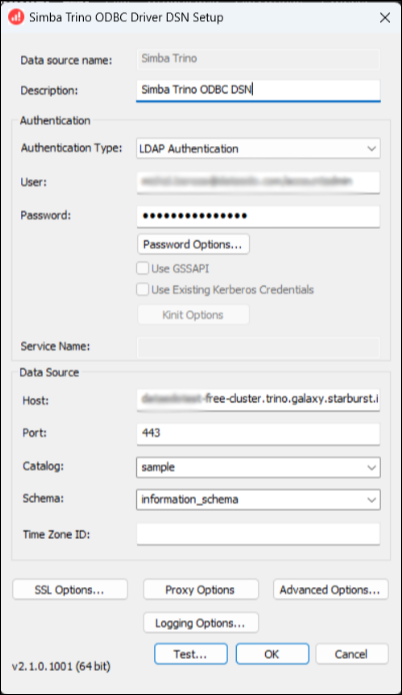
Before importing, using the custom connector requires the installation and configuration of the ODBC driver.
We have tested the import using the Insightsoftware ODBC 2.1.0 downloaded from the https://insightsoftware.com/drivers/trino-odbc-jdbc/ website.
Connector features
Data Catalog
Dataedo will document the following objects from Starburst:
- Tables
- Views
- Procedures
- Functions
How to connect
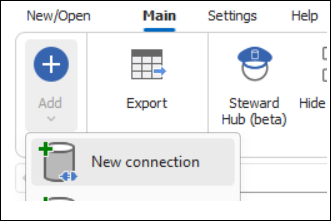
To connect to Starburst, create new documentation by clicking Add and choosing New connection.
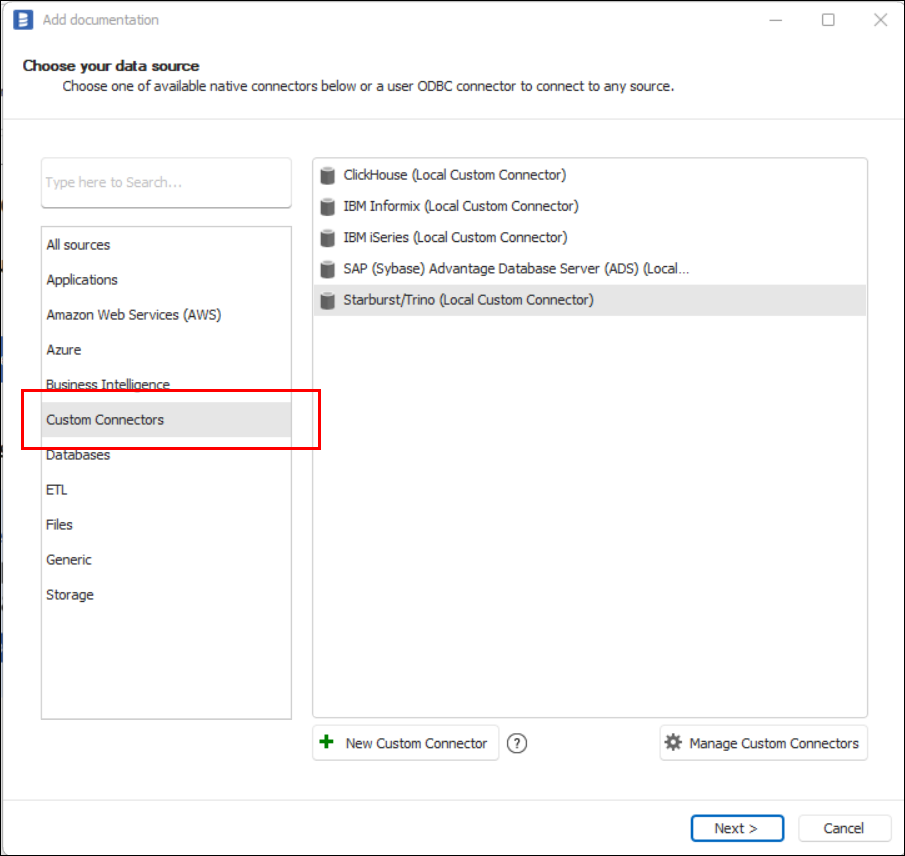
On the connection screen, choose Starburst/Trino (Local Custom Connector) or Starburst/Trino (Shared Custom Connector).
Choose the ODBC driver configured earlier.
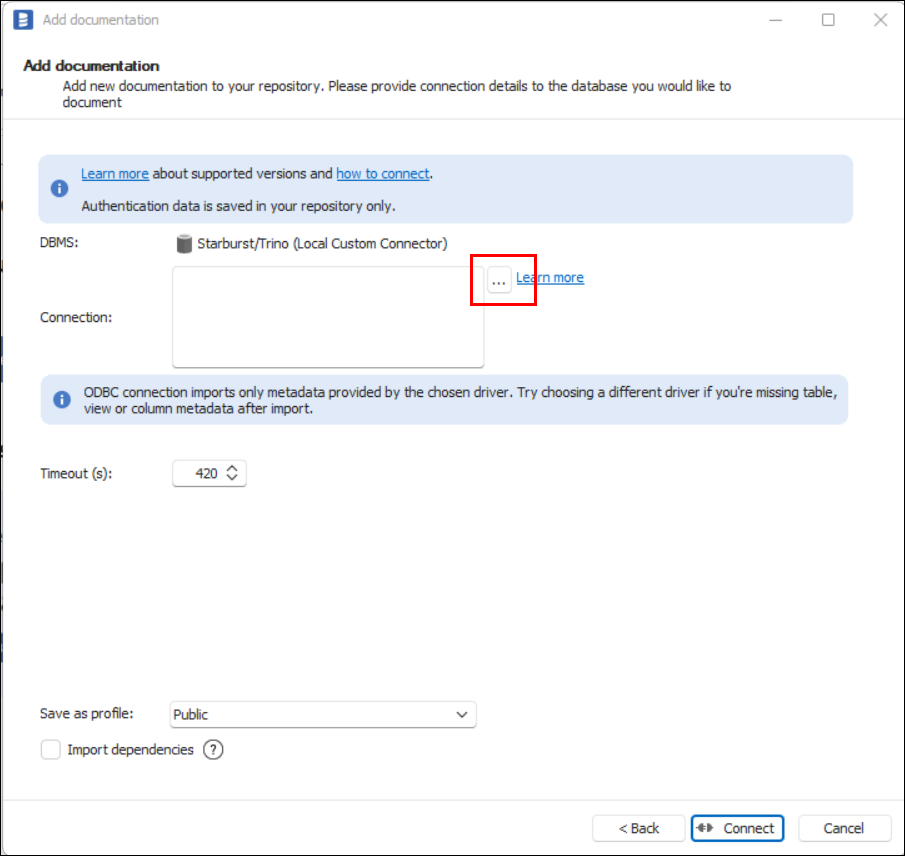
Click Connect.
Connector specification
Imported objects
| Object | Imported as |
|---|---|
| Table | Table |
| View | View |
Tables metadata
| Metadata | Imported as |
|---|---|
| Schema | Schema |
| Name | Name |
| Columns | Table columns |
| Name | Name |
| Data type | Data type |
| Null/Not null | Nullable |
Views metadata
| Metadata | Imported as |
|---|---|
| Schema | Schema |
| Name | Name |
| Script | Script |
| Columns | View columns |
| Name | Name |
| Data type | Data type |
| Null/Not null | Nullable |

