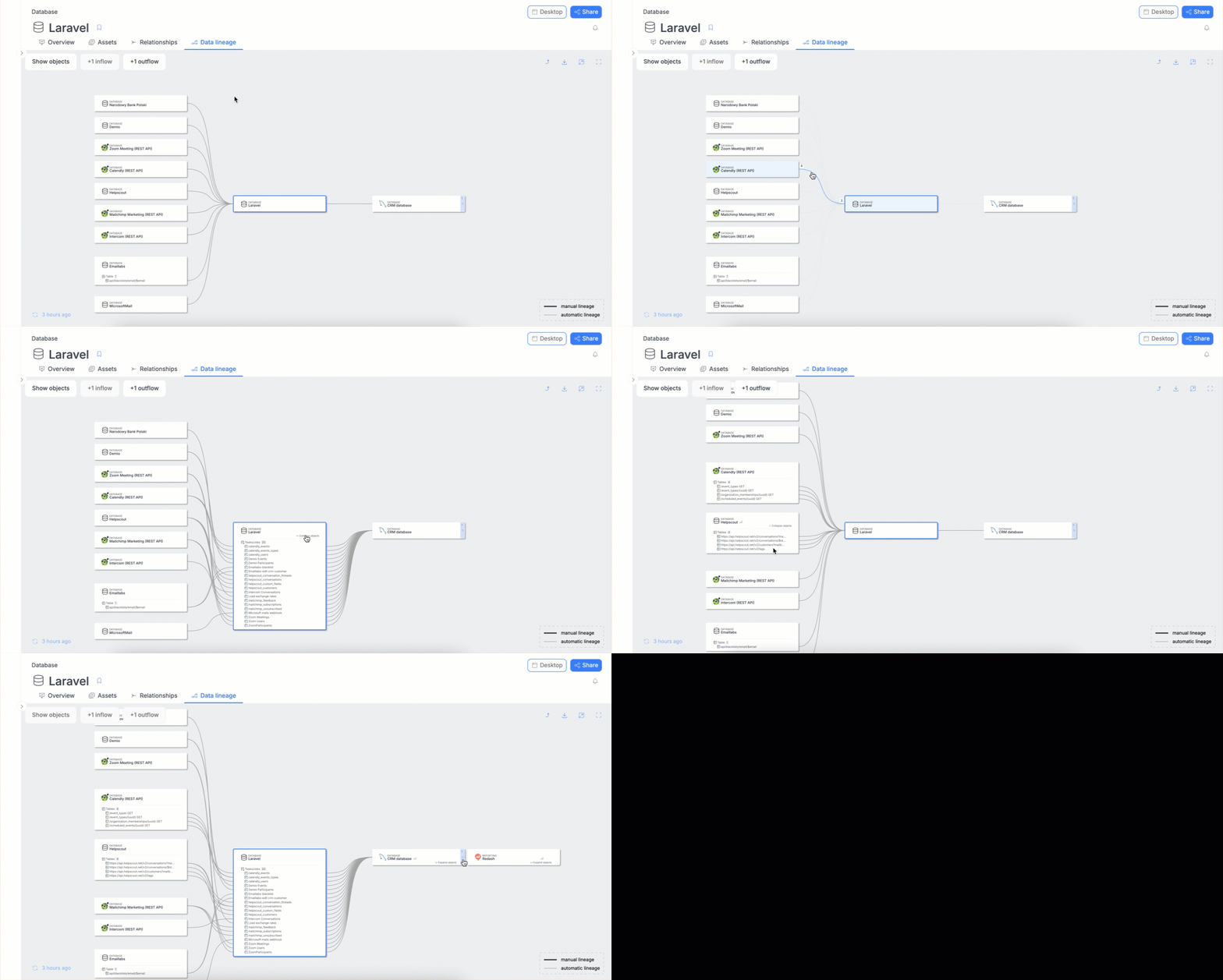
Column-level Data Lineage
Dataedo allows you to not only configure lineage on the object level but also to go deeper and define data flows on the column level.
Because column lineage is concerned with the data flow between individual columns, it is rendered only when it is continuous. If column lineage is lost at any point, all subsequent nodes will display only object-level-lineage — even if column-level lineage is defined again later on in the diagram. This interaction is visual; if you were to open a lineage view of an object that has the (continuous) column lineage defined again, you'd see the column connections again.
Browsing in Dataedo Portal
In the Portal, you can switch to viewing objects with column-level Data Lineage. Similarly, as with browsing only objects, you can follow the flow by clicking objects.