Steward Hub — Semantic Types
This module allows you to assign Semantic Types to objects. Sometimes, the automatic Type Detection cannot make a confident prediction (if the match between a Semantic Type Rule and the tested column is less than 70%). Such columns can then be manually reviewed in Steward Hub
View
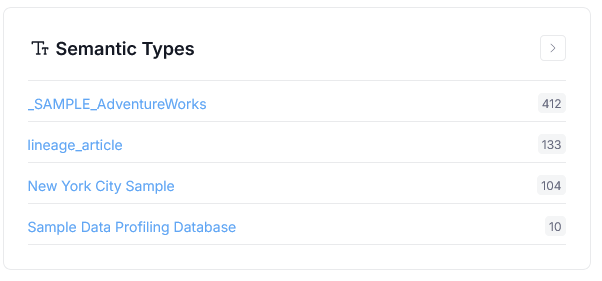
The Semantic Types module will display as many categories, as there are profiled Data Sources in your repository. This means that what you see might differ slightly from the screenshots presented here.
Assign Semantic Types
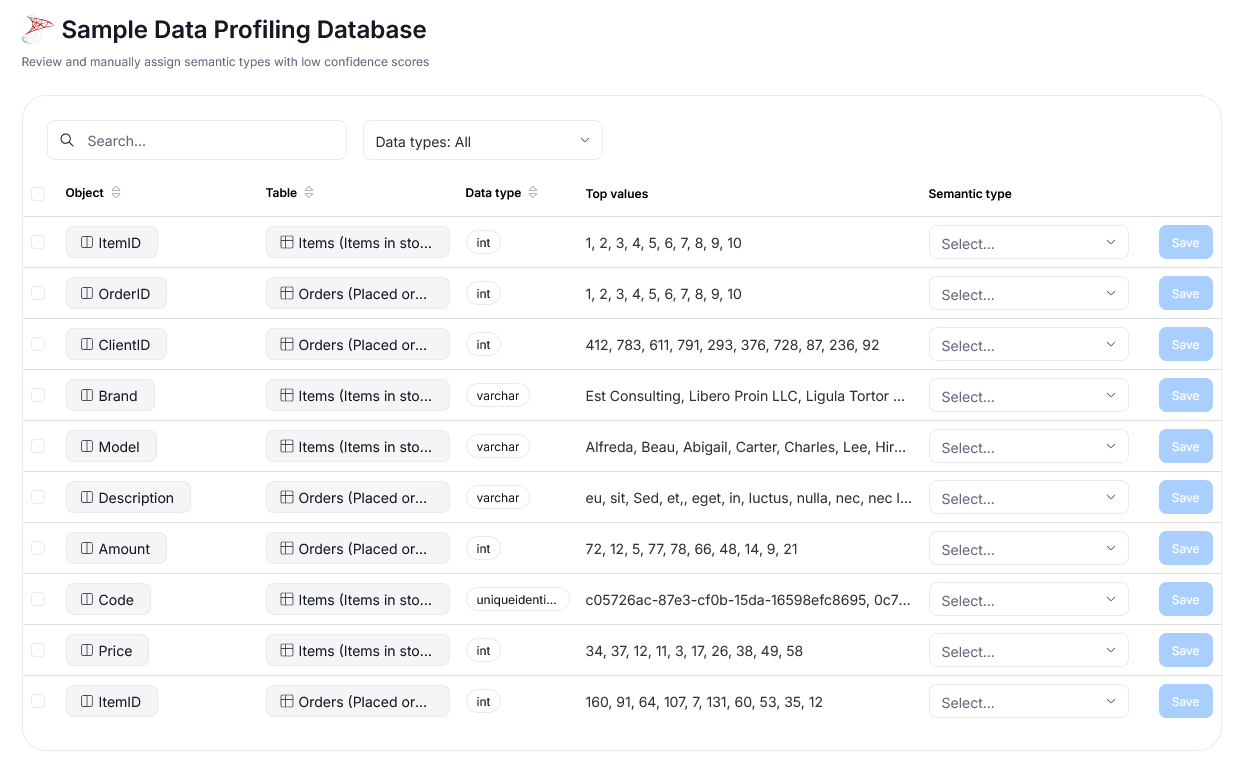
Clicking any of the displayed Data Source links opens up a list of all its columns with a low confidence score.
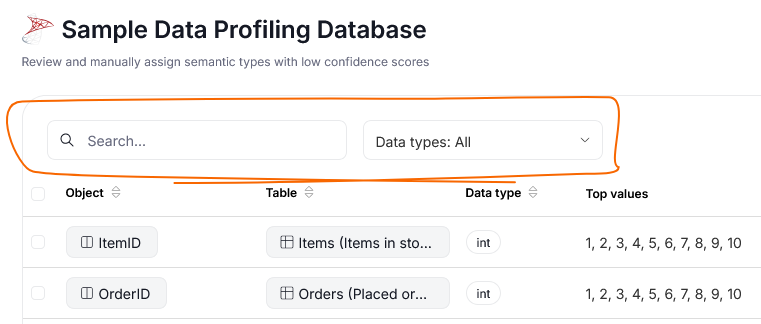
The top part of the list, allows you to use a Search Bar to filter your objects by name, as well as limit displayed columns by their data type.
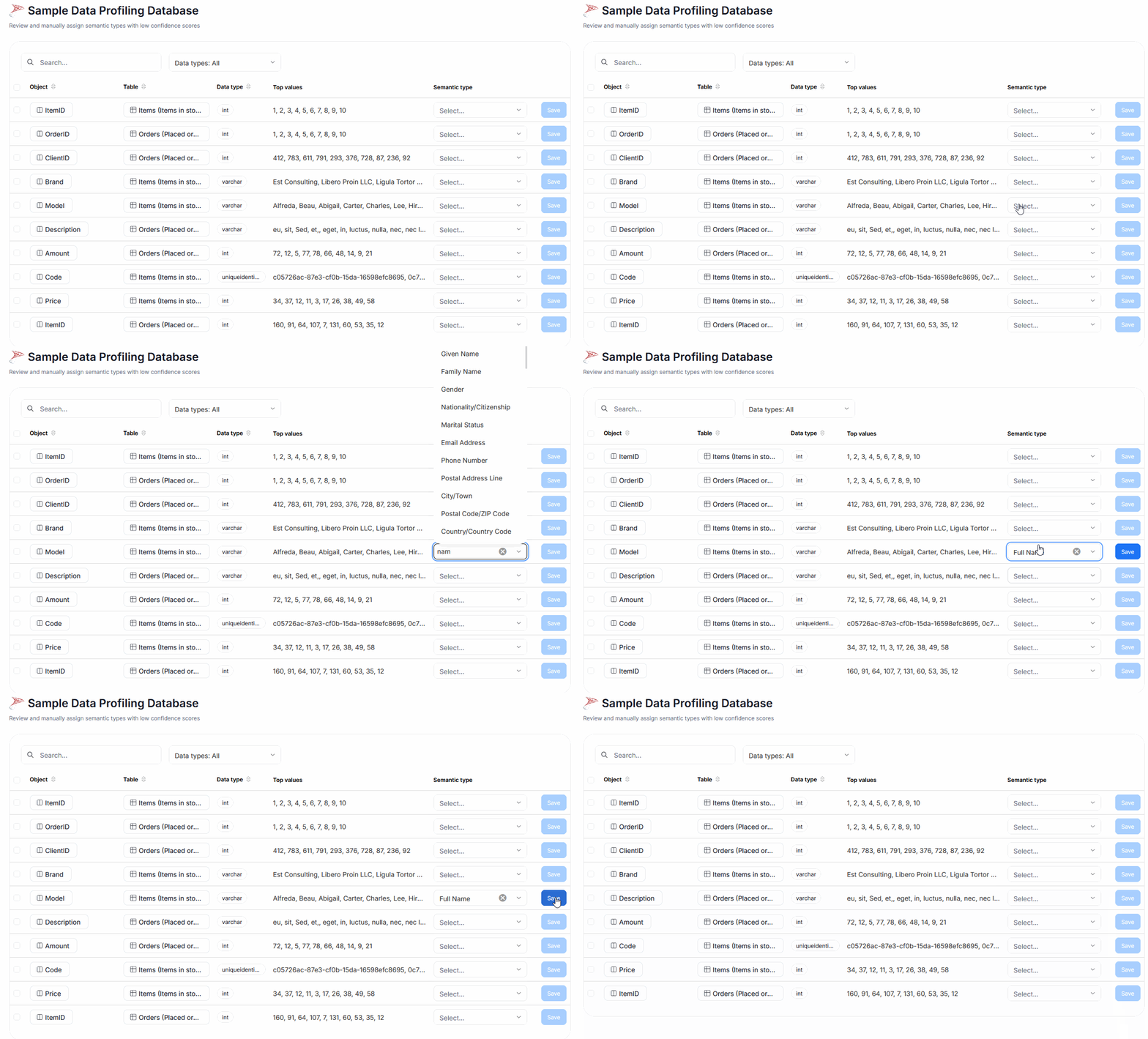
Each row of the grid contains: the name of the object (a) and its parent table (b), the detected data type (c), and the columns top values (d). Top values are displayed only if Data Access is turned on, and there are any Top Values identified.

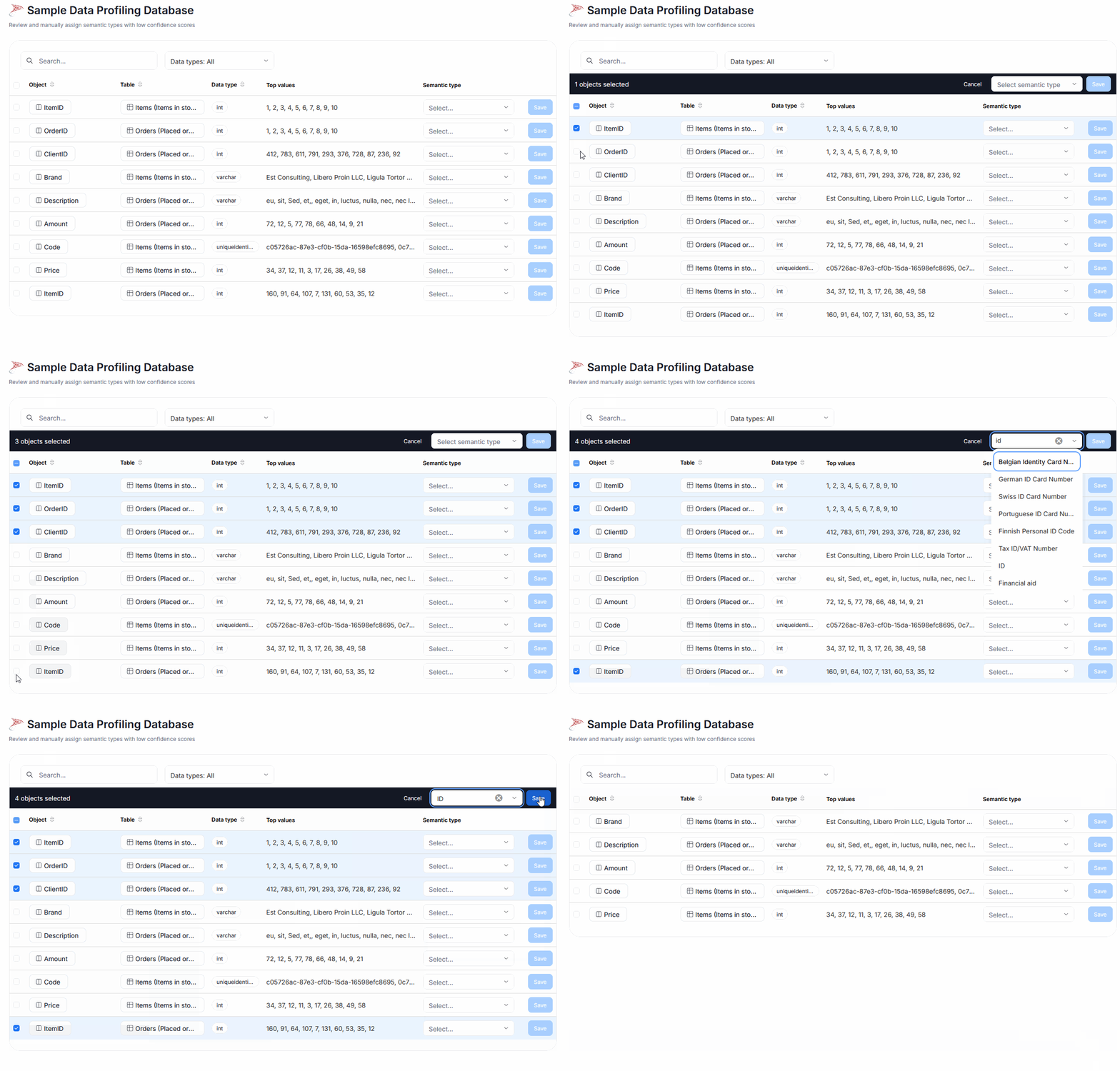
To assign a singular Semantic Type, select the relevant option in the Semantic Type dropdown and save it. You can use the input part of the dropdown menu as a searchbar for Semantic Types.
It is also possible to assign the same Semantic Type to multiple columns. Select all the objects of interest using checkboxes, and then choose one common Type in the drop-down that appears above the grid. Save your choice.