Data Quality in Domains
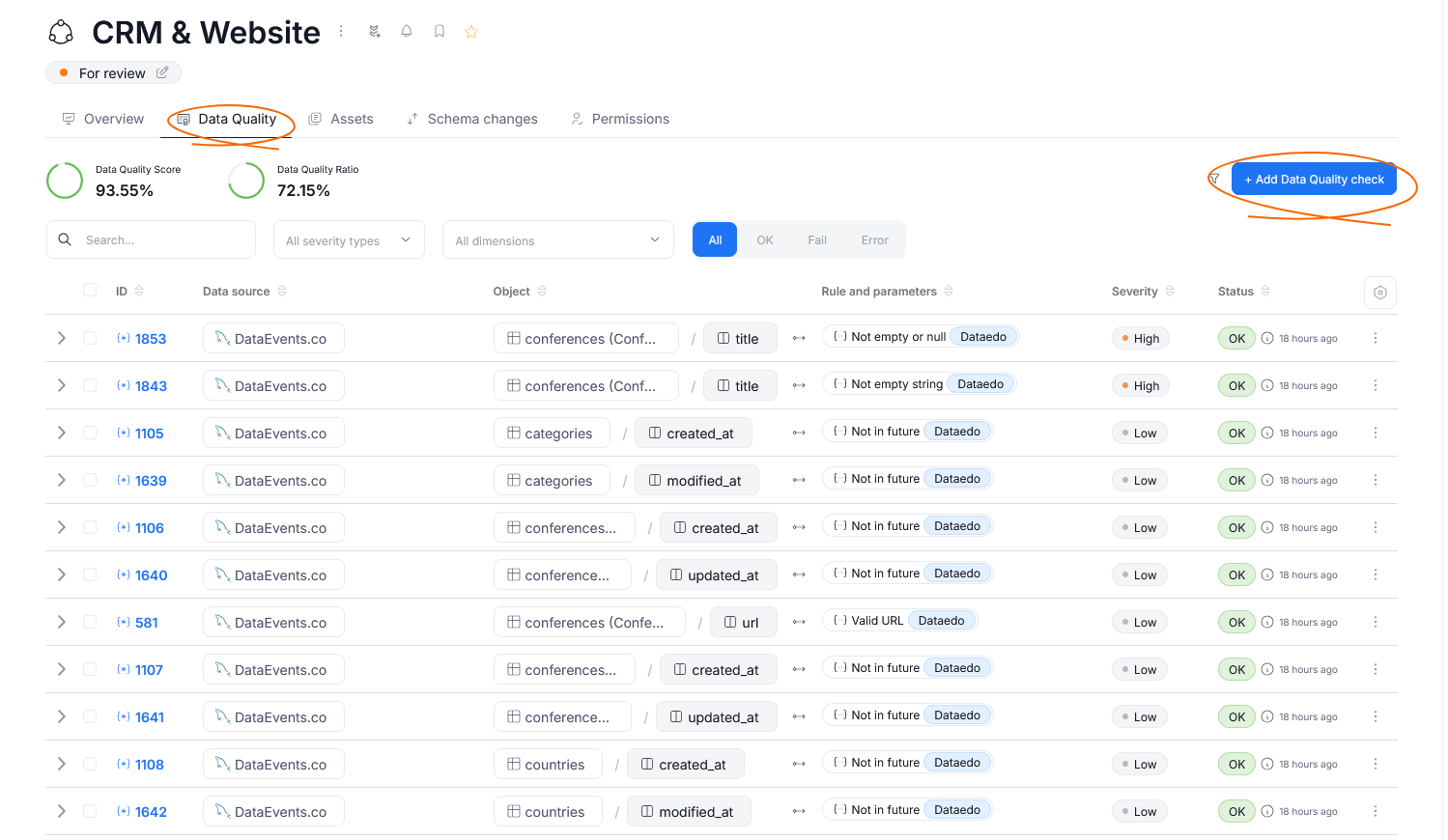
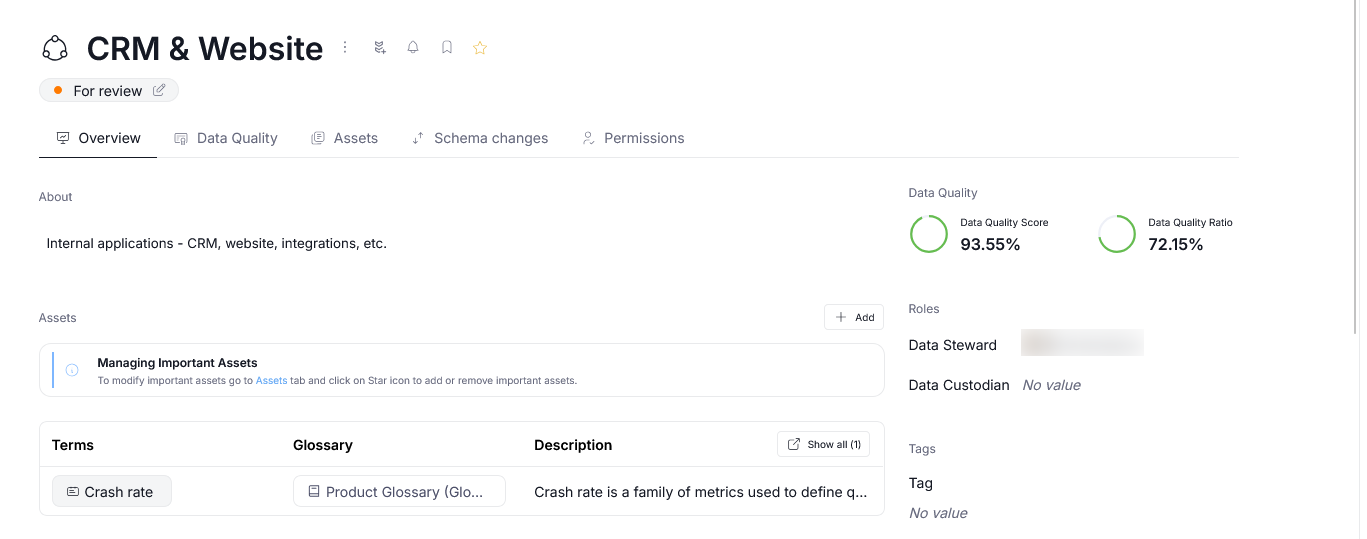
Domain and Areas present you with an aggregated overview of Data Quality scores and ratios of all nested objects. This allows you to derive insights about the reliability of the data used by different teams or products at a quick glance.
Requirements
In order for the Data Quality overview to appear, a few conditions have to be met.
First, you have to have Dataedo Agent set up, as it is a prerequisite for any Data Quality checks to be conducted.
The second requirement relates to objects in the Domain itself. Data Quality scores will be displayed only if at least one of the linked objects has a Data Quality rule instance applied to it, and if a Data Quality check has been conducted at least once. Learn more about running and scheduling Data Quality here.
Workflow restrictions
Only objects in workflow stages that are visible to non-editors are taken into account when aggregating the domain-wide Data Quality scores. This ensures that the displayed summary is identical for all users permitted to view a Domain, no matter their data roles.
Data Quality calculation
The Data Quality metrics are calculated by aggregating the results of all Data Quality rule instances applied to objects in a given Domain.
It is important to remember that assets linked to a Domain's Area are also treated as belonging to the parent Domain, and as such they will be taken into account when calculating the metrics.
Data Quality tab
In the Domain overview, you can navigate to the Data Quality tab. In addition to quality metrics, it will show a grid with all Data Quality rule instances applied to objects in that Domain. If you have the correct permissions, you can also used the Add Data Quality Check button to quickly apply new instances, or create a reusable rule.