Report Catalog in Dataedo
The Report Catalog is the place where all the reporting, analytics, and Business analytics sources from your metadata imports and manual reports are kept. Think of it as storing the presentational layer of your data. While [Data Sources] store information regarding where your data lives, the Report Catalog describes how that data is used and presented.
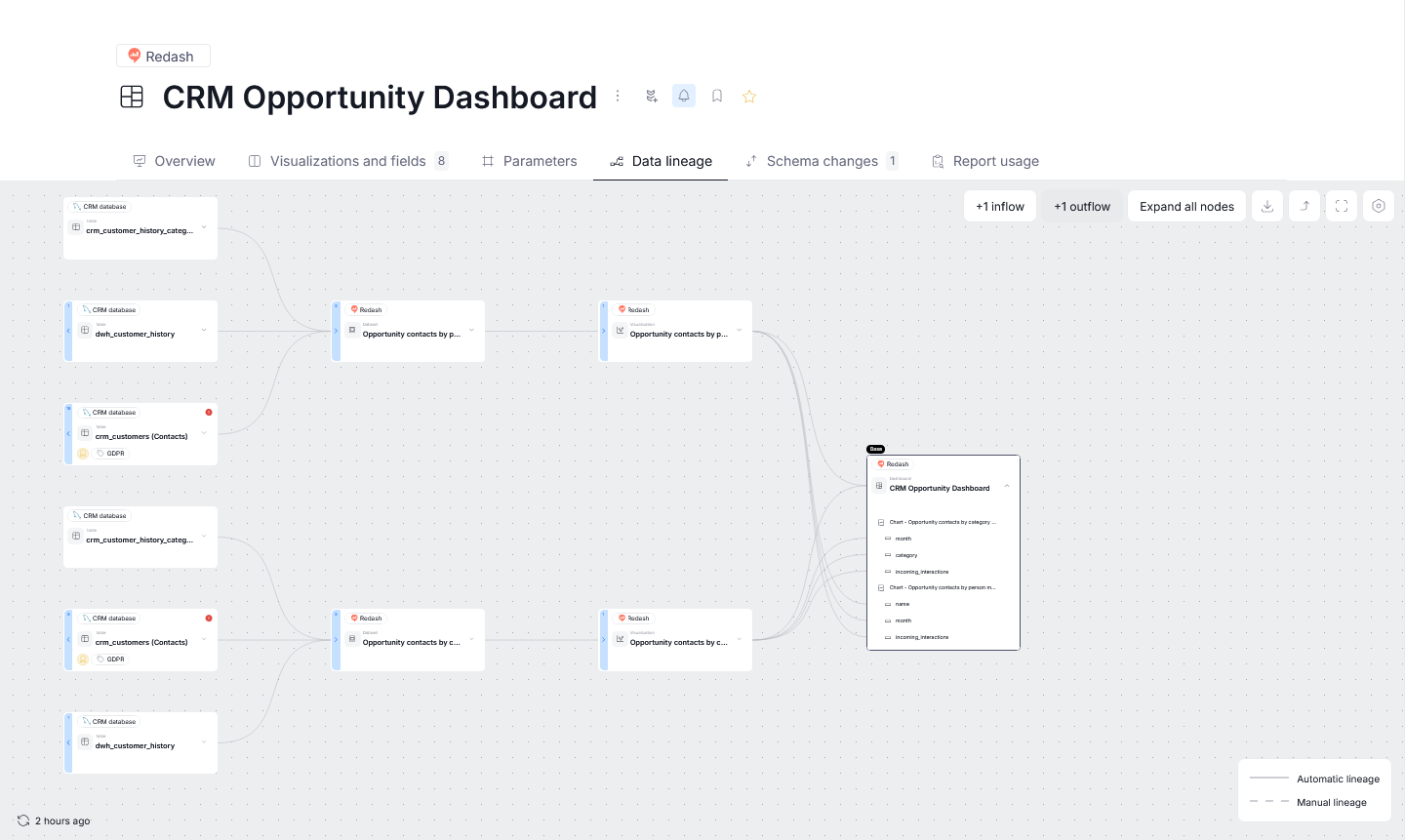
This distinction matters for Data Lineage, Dataedo can trace a value from its origin in a data source, through a BI dataset, all the way to the specific report field a business user sees.
BI connectors
The metadata imported from the following BI tools will be stored in Report Catalog:
- Amazon QuickSight
- Analysis Services Multidimensional
- Analysis Services Tabular
- Power BI
- Qlik Sense
- Redash
- SAP Business Objects
- SQL Server Reporting Services (SSRS)
- Tableau
Reports
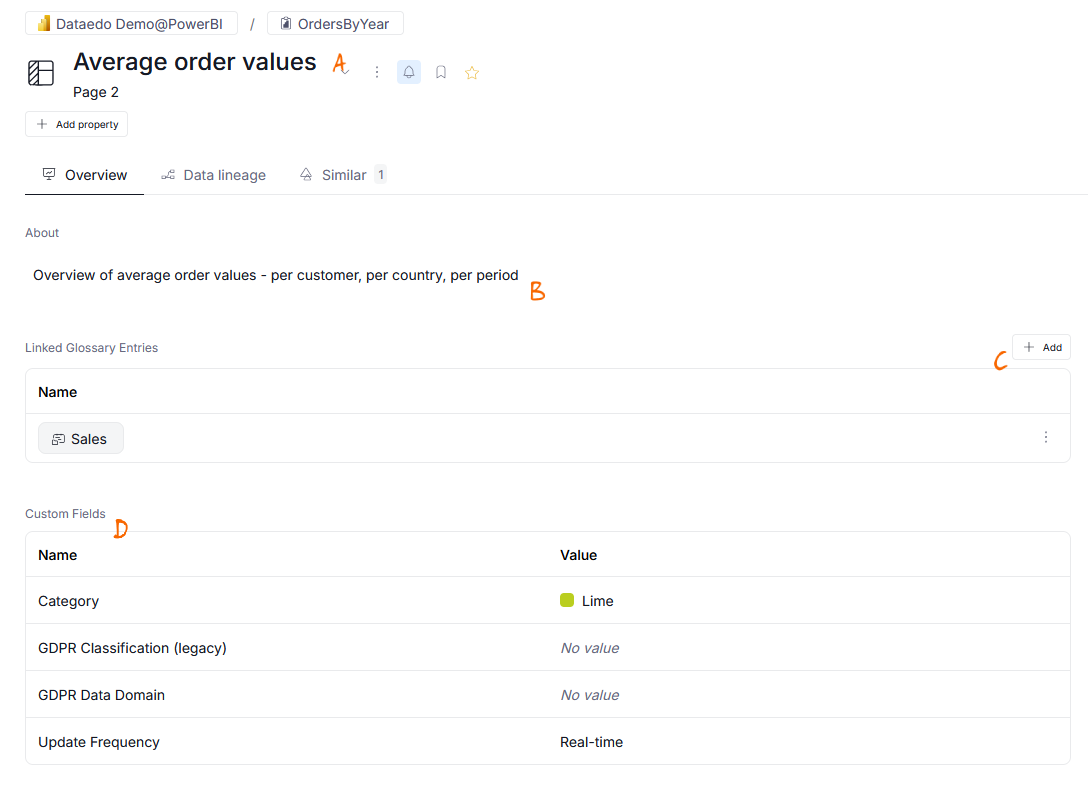
Dataedo allows you to build a catalog of reports in your BI tools. Each report can be documented as any other asset in the catalog - with titles/aliases [a], descriptions [b], glossary terms [c], and custom fields [d].
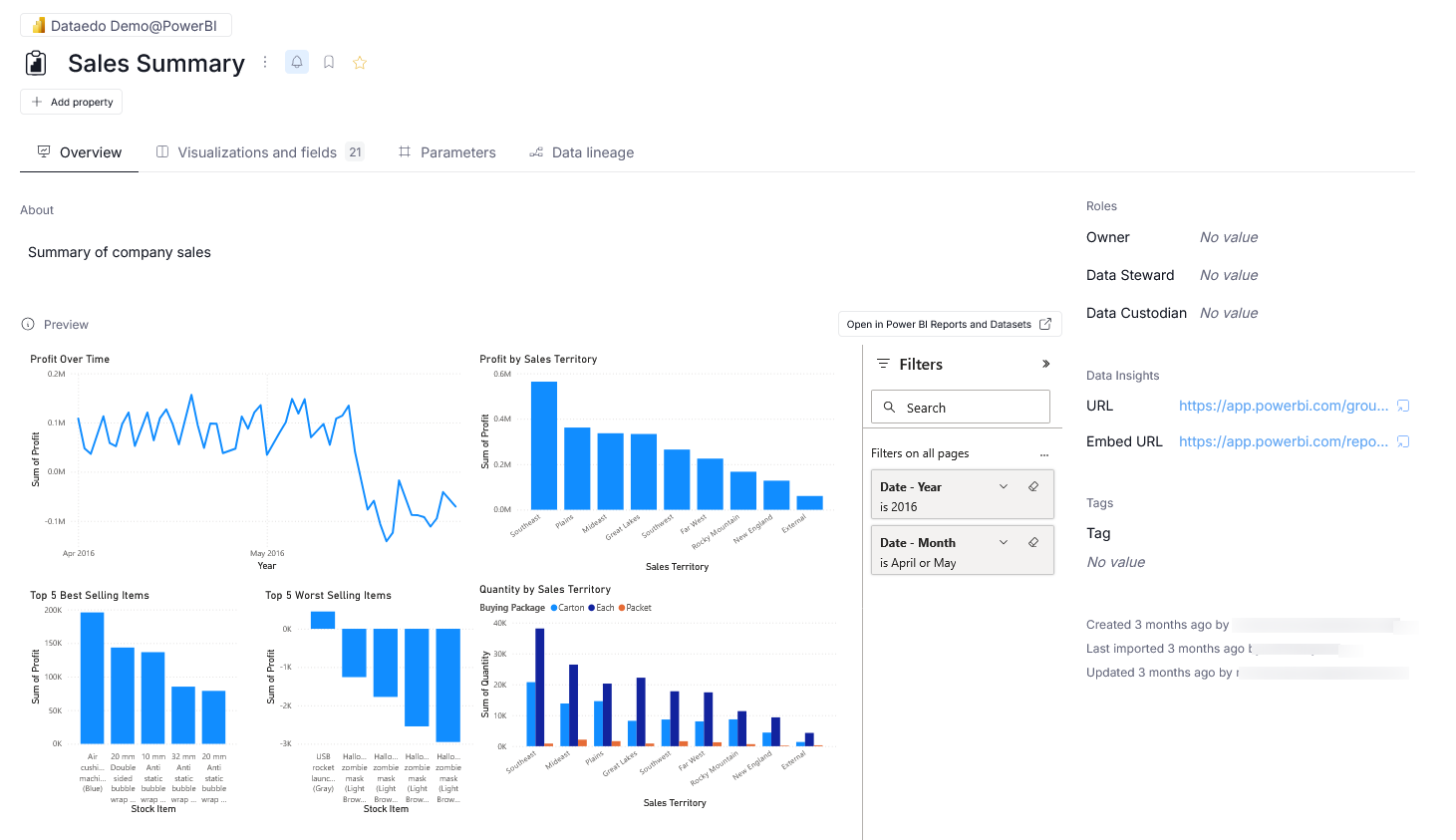
When using certain reporting connectors, URLs to your report instances can be extracted, and Dataedo will use them to load relevant visualizations directly in Portal.
Report visualizations and fields
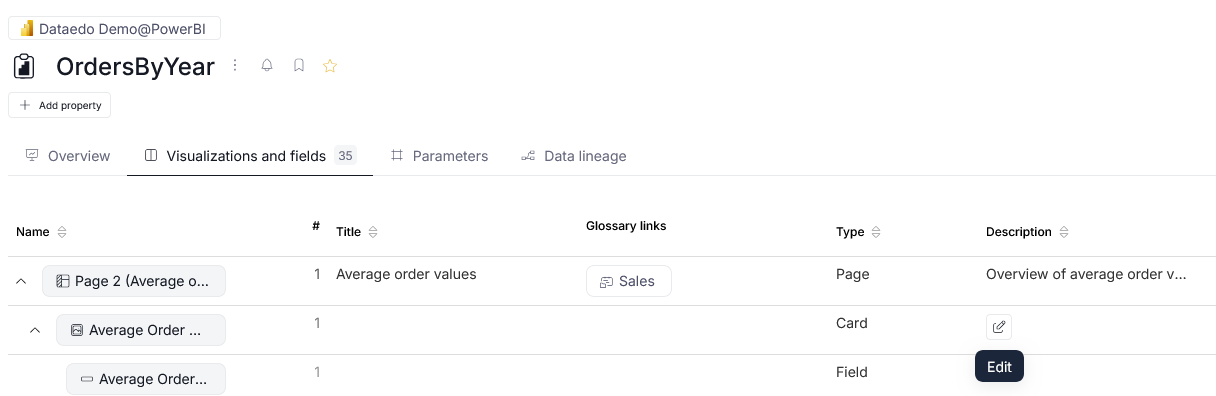
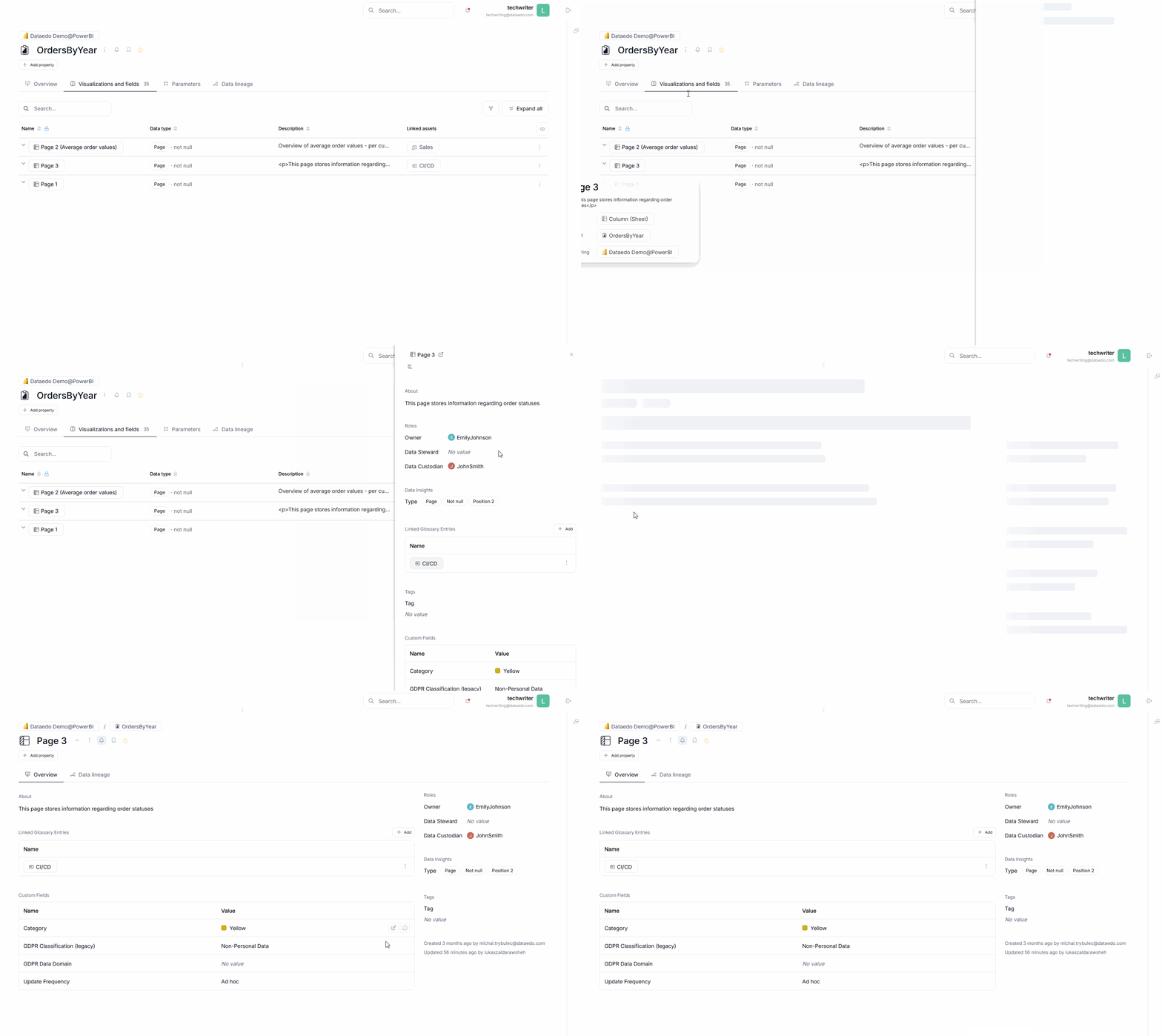
Your report's constituents can be documented as well. The visualization and fields tab of a report, shows a structure of your report. You can view its pages, visualizations, cards, and fields. The assets are arranged hierarchically, you can expand objects to see the other objects that are dependent on them. You can manually adjust each object's title and description from the grid directly, by hovering over the relevant field and clicking the edit icon that will appear.
If you want to preview an object, you have two ways to do that. You can either open it in a sidebar — viewing the object on the side, while not escaping the grid — or choose to navigate to the object directly. Both options allows you to define Custom Fields and link to Glossary terms.
Datasets
Dataedo can store the Datasets extracted from your Business Intelligence tools too. Datasets have their own separate category om your report's sidebar.
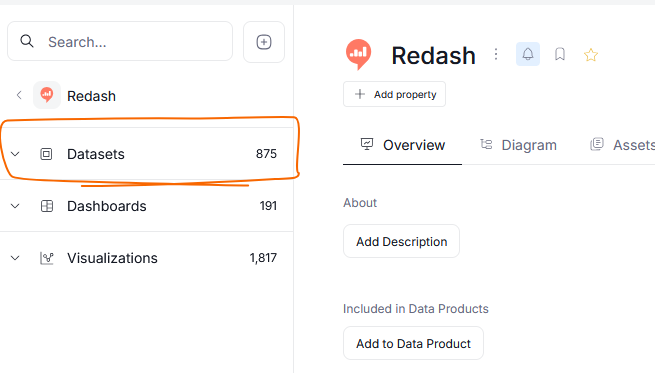
Datasets, similarly to database's tables have each one of their columns represented as an object in Dataedo. The Dataset itself, as well as each one of its column can be documented with extra context.
Data Lineage
One of the most powerful features in Report Catalog is Data Lineage. This feature allows you to inspect the whole data flow until it is shown to the user — not only in the Report itself, but also from individual datasources that feed the Data to your reporting software.