Objects in Dataedo
In Dataedo objects are the elements of your repository which can be edited to include additional user-defined information, most commonly descriptions. Objects have different types, each type relating to core concepts in Database management systems, or representing information crucial for your organization.
Manual objects (terms, domains, products, and lookups) are a special class of objects, in that they have to be manually defined and created by Users, and can't imported during metadata imports.
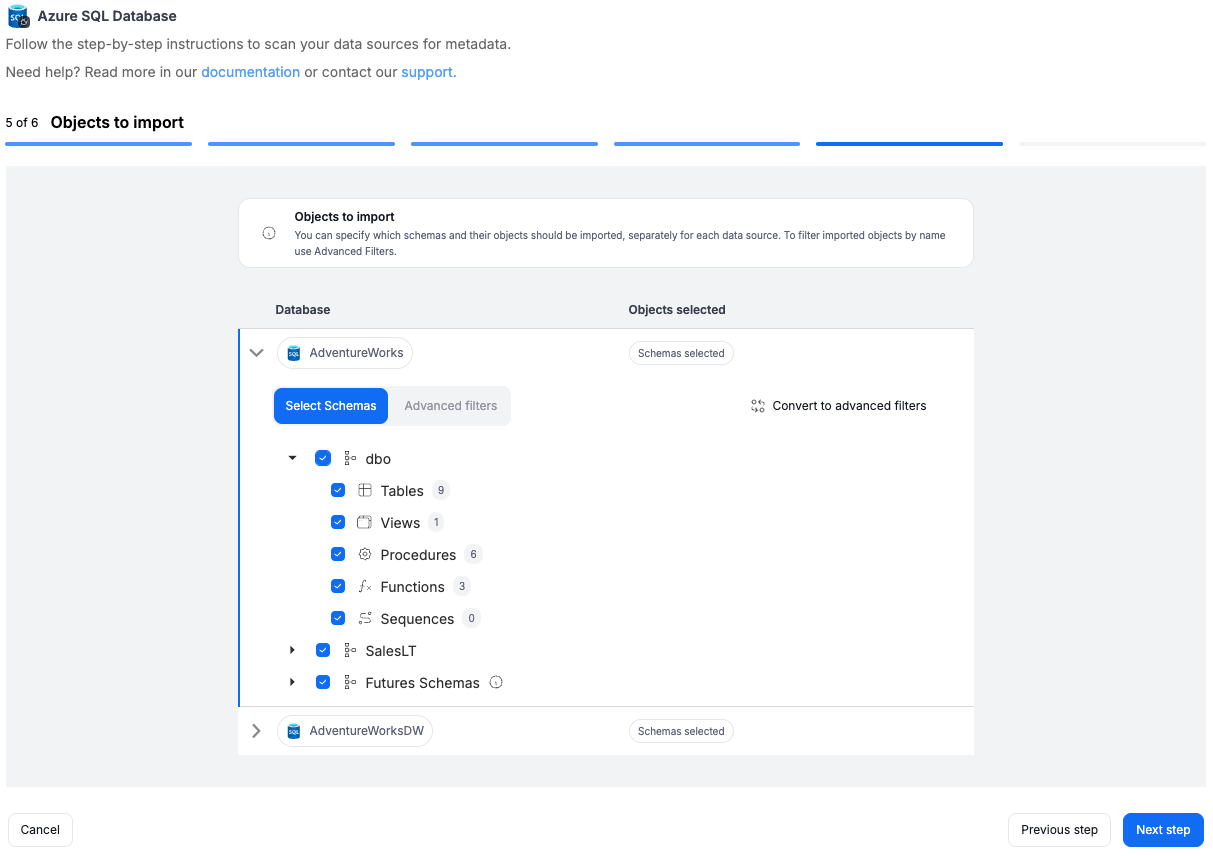
Most objects can be imported automatically when importing metadata.
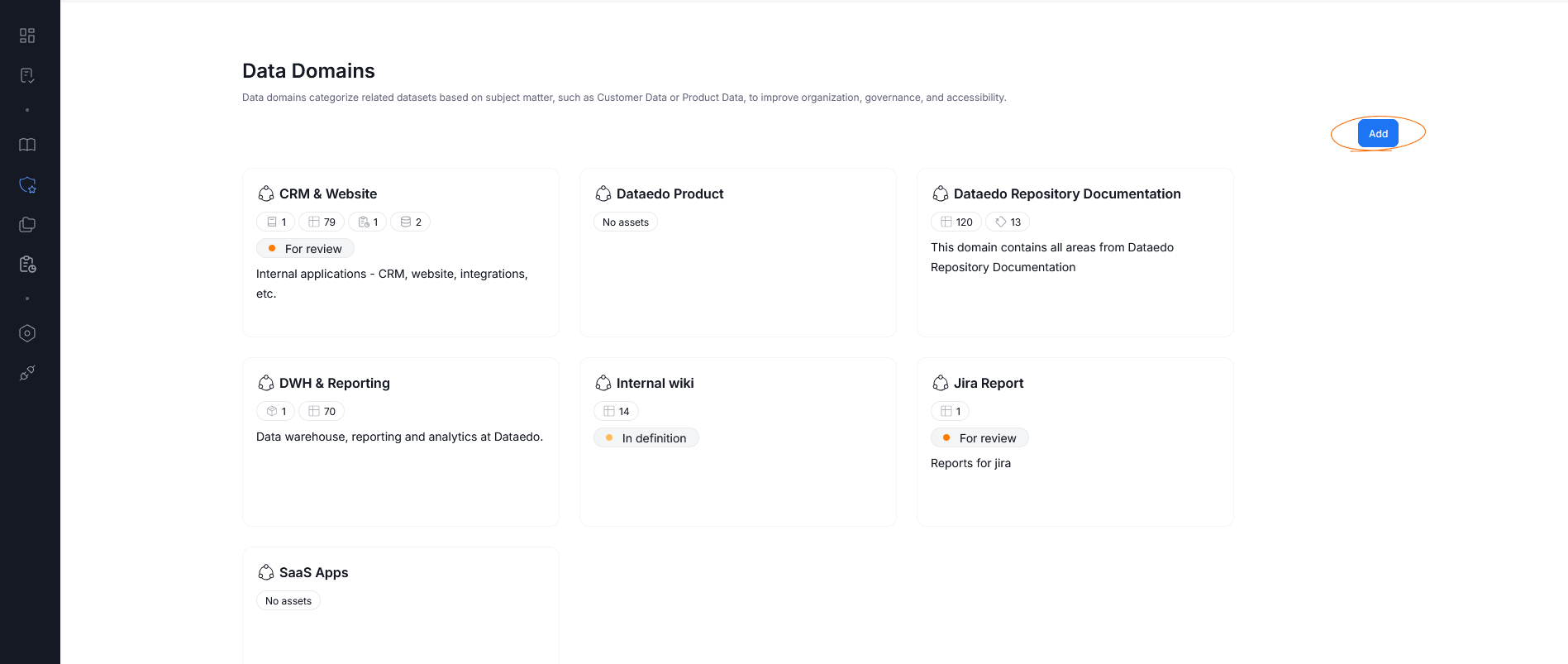
Additionally, in Portal, objects can be added from their relevant sections — so Terms and Glossaries can be added using the Glossary tab, new Products can be added using the Data Products tab, and so on. The exact look of a page will differ between sections, but the objects themselves can be added using the button. Below is an example of that button in the Data Domains view.
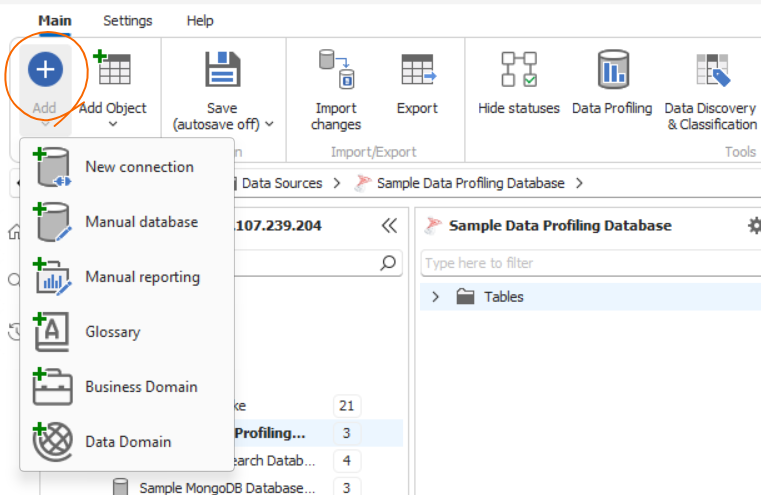
The same is true for desktop. You can use the designer to add new objects. What objects can be added depends on your current position in Desktop.