Importing descriptions
When importing schema, Dataedo also reads descriptions and comments from DBMS. Those descriptions are inserted into description fields in the Dataedo repository.
Once imported, Dataedo is a master data source for descriptions and comments from DBMS are ignored. An exception is when the description is blank in the Dataedo repository. Read more in the updating descriptions article.
Manual description import
Dataedo Desktop has an import functionality that enables you to import description, title, and custom fields into an existing data dictionary.
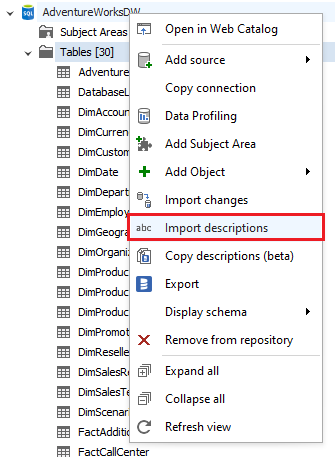
To launch the feature, right-click on the database in the repository explorer and choose Import descriptions.
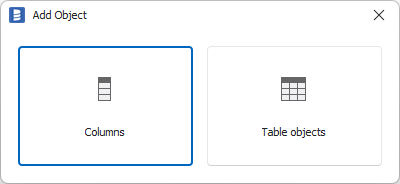
There are two modes of import:
- Importing table descriptions
- Importing column descriptions
Importing table descriptions
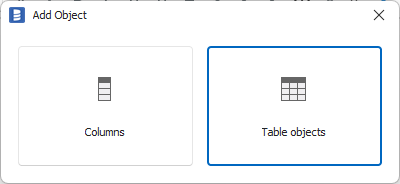
To import table descriptions, choose Table objects.
Now select which fields you would like to import.
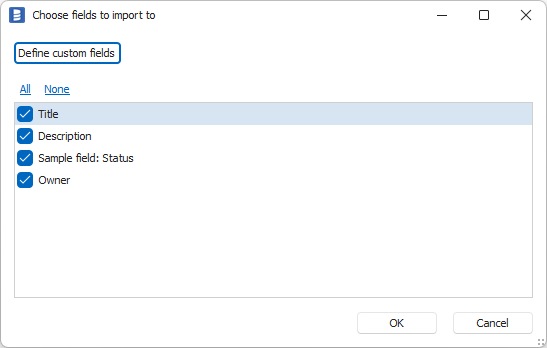
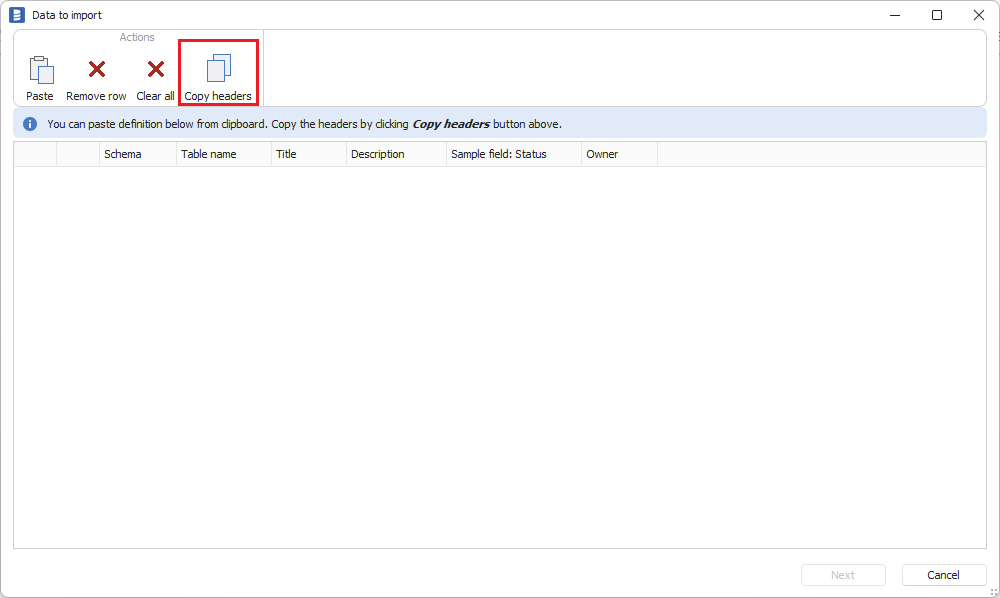
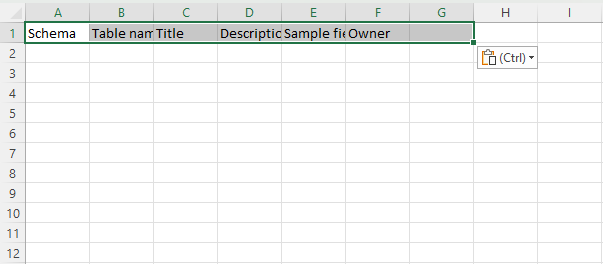
Click the Copy headers button to copy the template to a text editor or spreadsheet.
Now, populate the fields that you want to import. Schema and Table name columns will identify the table you want to import into.
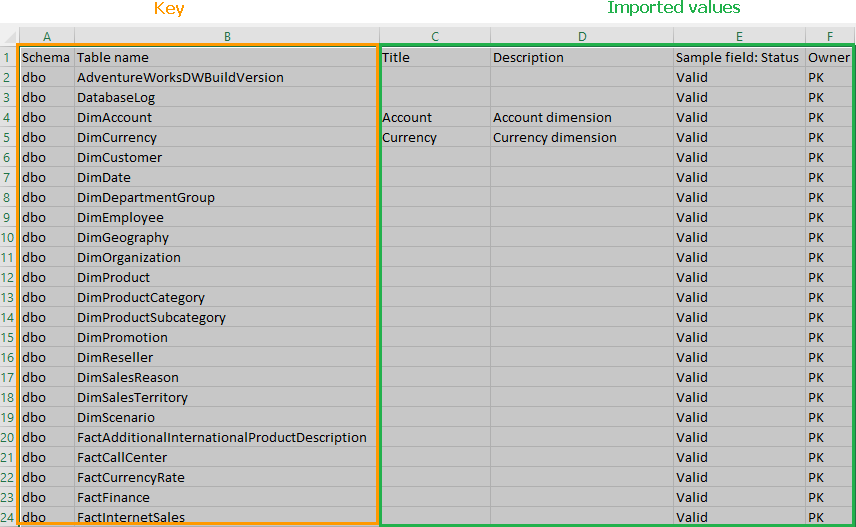
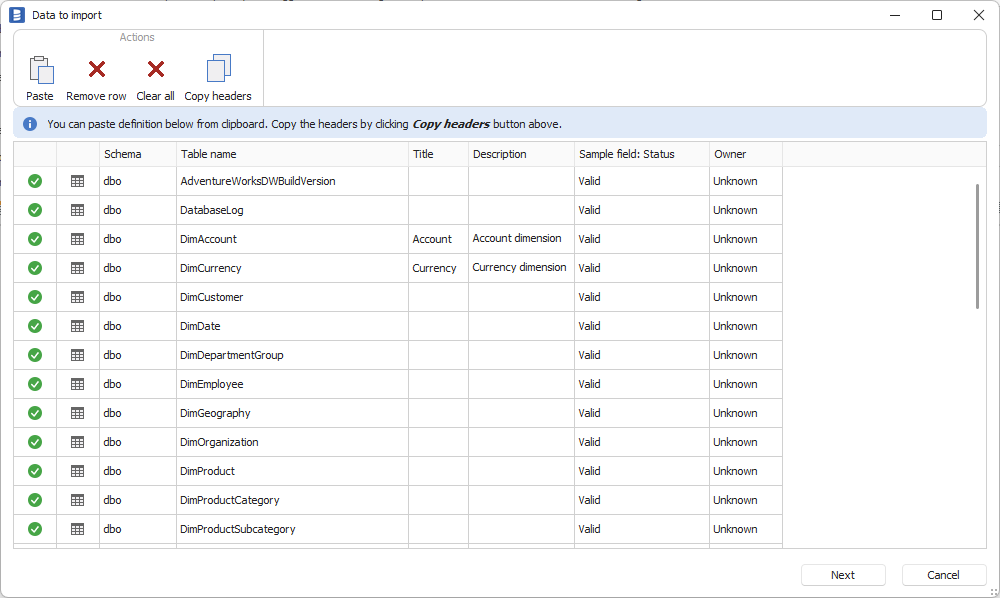
Copy the table into the clipboard and click Paste in the import wizard.
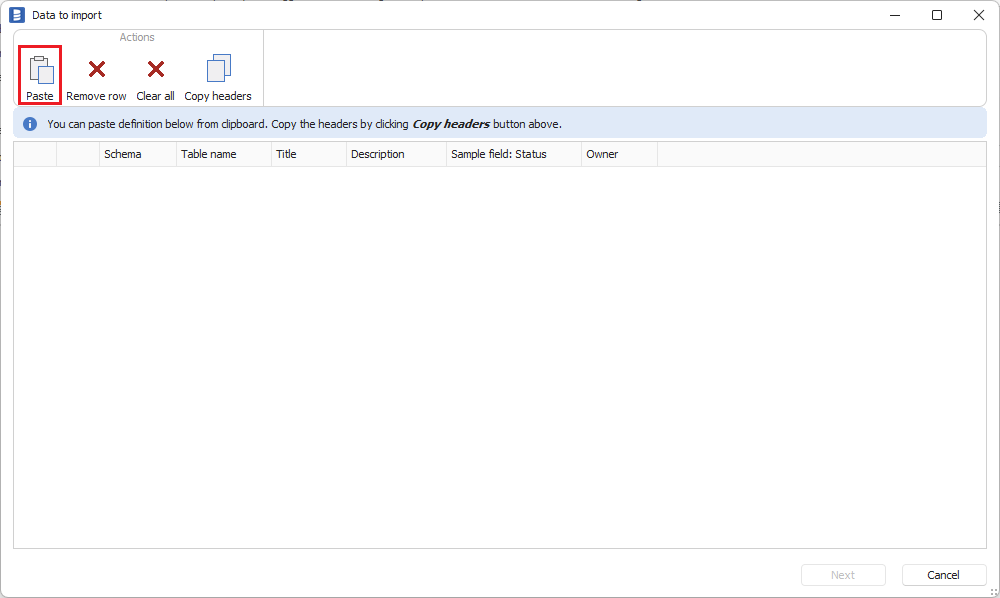
Data will be added to the grid. Dataedo will perform initial data validation:
- Were all the tables found?
- Are all the values valid?
If all the rows are green, click Next.
Dataedo will check current and new values and present them in a summary report that lists each field that might be updated and a checkbox to select if the value should be imported:
- New - field is empty and new value will be imported
- Update? - there is an existing value in the field and the new value will be updated (if the checkbox is selected)
- Erase? - there is an existing value in the field and the import will erase the value
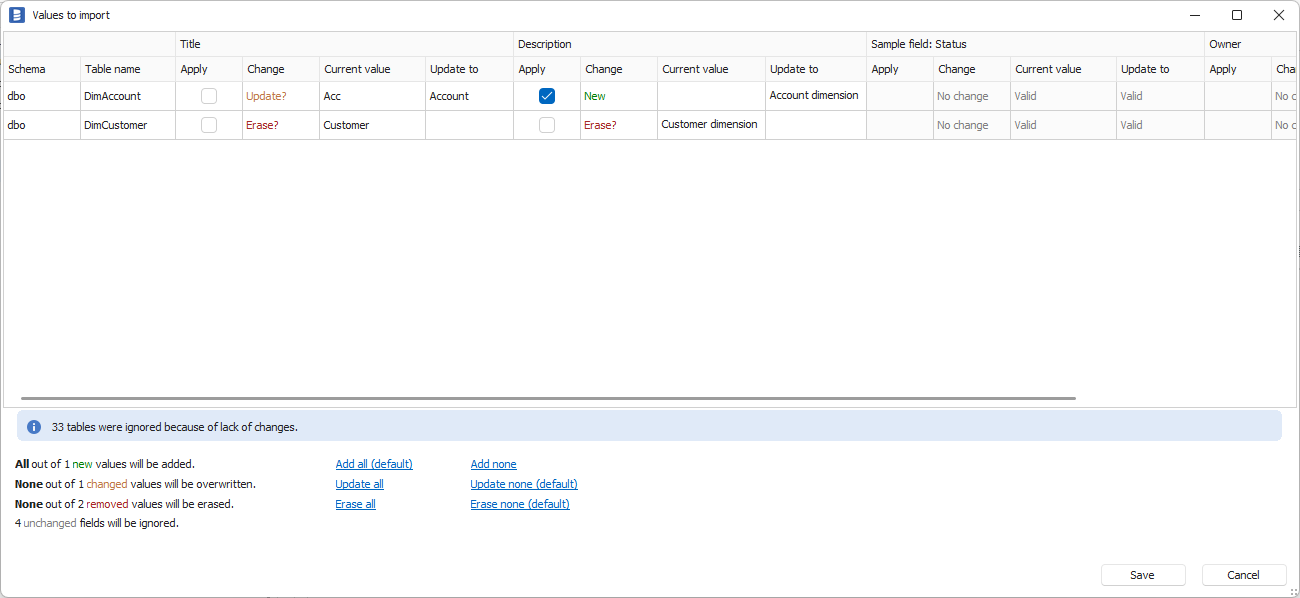
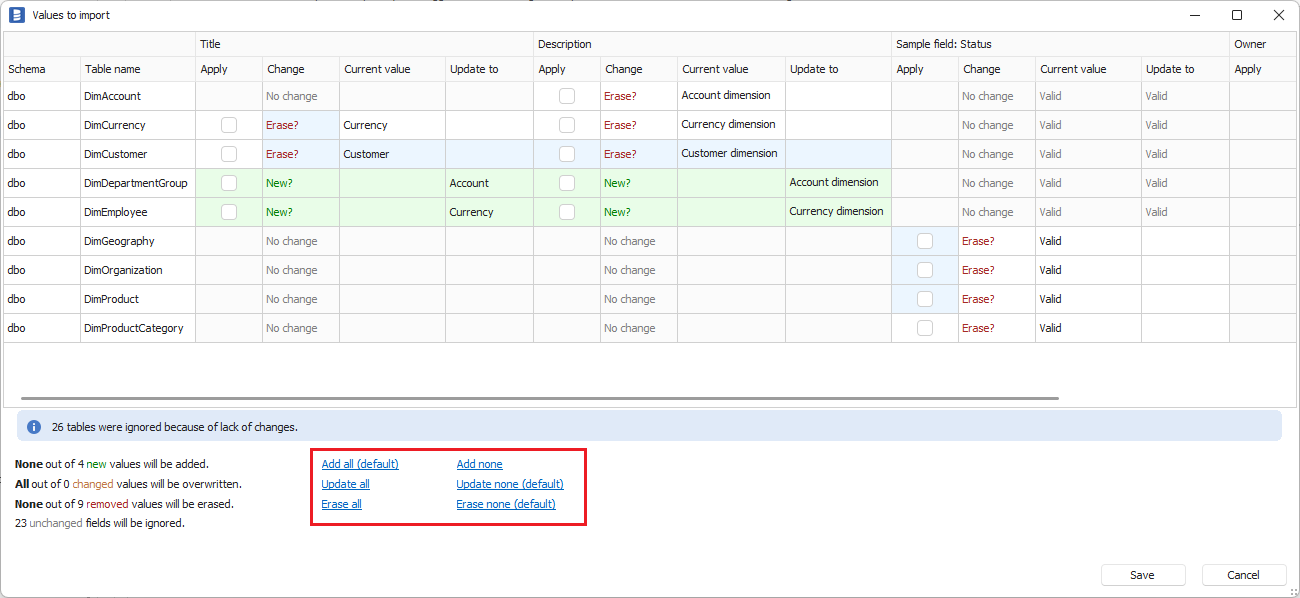
By default, Update and Erase are not selected. To overwrite values, select the checkbox next to the field. You can also use Update all and Erase all options as shown below.
Importing column descriptions
Importing descriptions for columns works exactly like importing descriptions for tables, with the difference that you have to include the column name in the dataset.
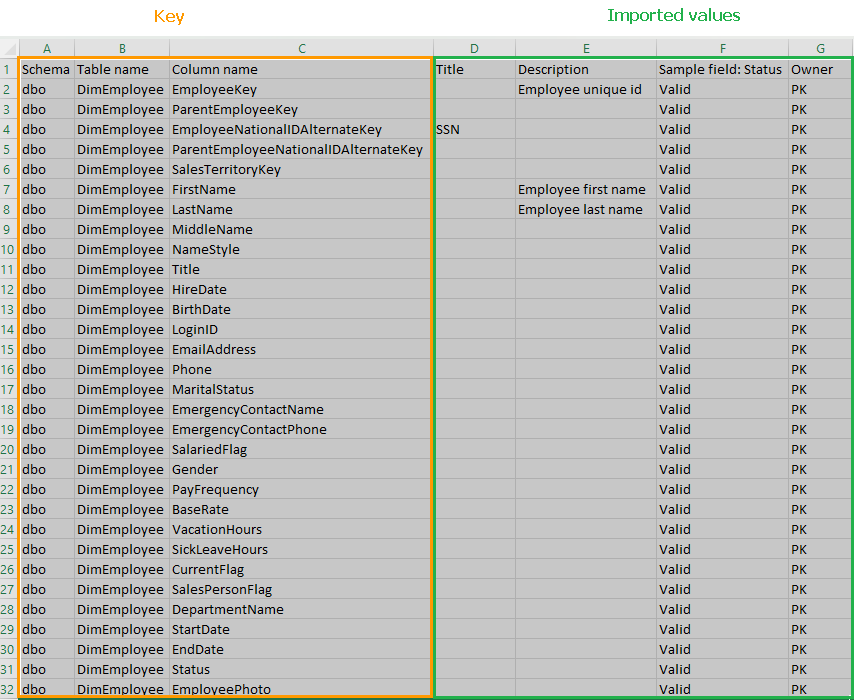
To launch importing columns, select Columns on the initial screen.