Documentation Sharing Options in Dataedo
You can share documentation in Dataedo in a number of ways:
- Excel and HTML export - exporting documentation from Dataedo Portal to a spreadsheet or a standalone HTML file
- Sharing HTML export - publishing exported HTML documentation in a shared folder, code repository or on a web server
- Database comments - exporting descriptions to the database schema
Excel and HTML export
You can export your documentation from Dataedo Portal to an Excel (.xlsx) spreadsheet or to a standalone HTML file. You choose the format, the asset groupings to include, and the objects and properties to export. You can also save your configuration as a template to run the same export again later.
Exports are generated by Dataedo Agent and are available to users with Edit permissions.
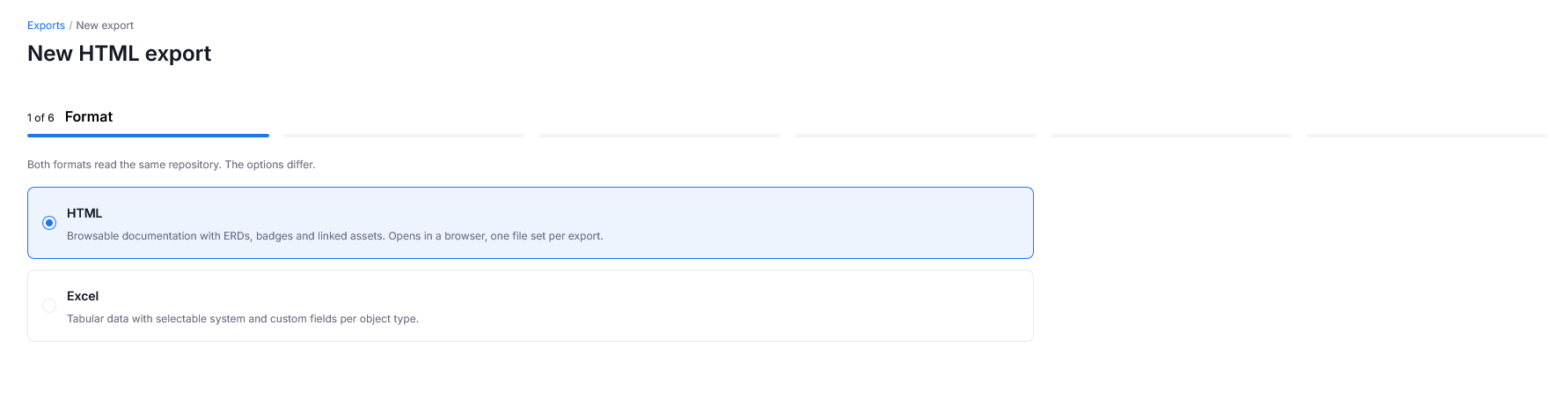
Learn more about exporting in Portal
Sharing HTML export
HTML export is a standalone, read-only copy of the exported part of your documentation, which looks and navigates like a slice of Dataedo Portal. It is downloaded as a .zip file containing a set of static files, so you can share it with people who do not have access to Portal.
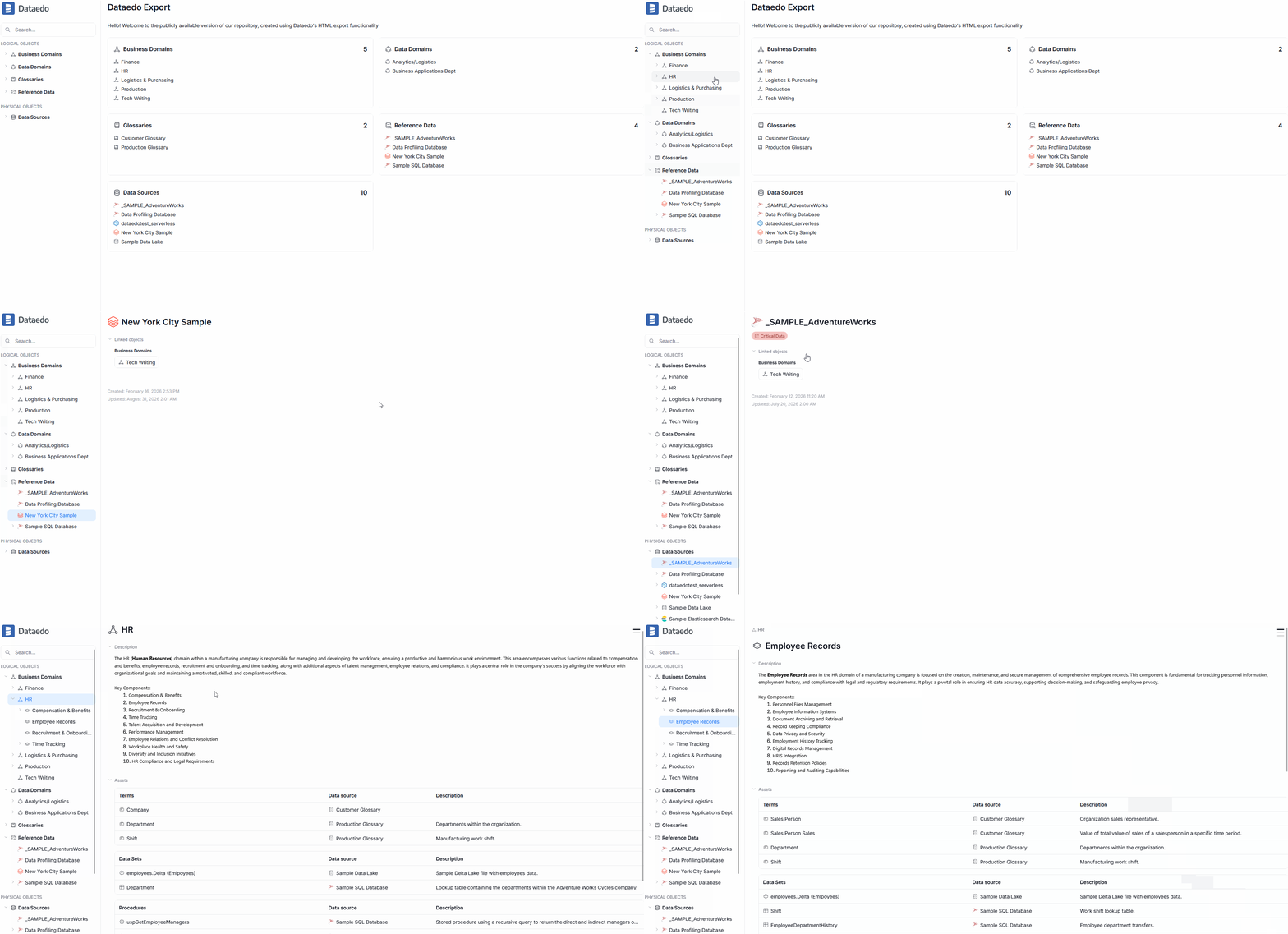
Publishing HTML export in a shared folder
Unzipped HTML export can be opened from a local or shared folder with a web browser.
Sharing HTML export in a code repository
You can also publish HTML export in a code repository, such as Git. Users that download files to their local disk will be able to open documentation with a web browser.
Shipping HTML export with your application
You can ship documentation with your application or product. Simply attach the folder with the unzipped HTML export.
Publishing HTML export on a web server
HTML export can be published on any web server, such as Apache HTTP Server, IIS, Nginx, or Apache Tomcat. You host it just as any other static website — usually by uploading it to a specific folder. Learn more about publishing on a web server
Exporting comments to the database schema
Some tools (BI, for instance) read comments from the schema. Dataedo allows exporting descriptions back to the schema being documented. For Databricks (Unity Catalog) and Snowflake, descriptions are synchronized from Portal with Metadata Sync. For SQL Server, Azure SQL Database and Oracle, you export them from Desktop.


