Exporting to DDL
Export to DDL
Since Dataedo 10.1, you can export your data structure to data description language (DDL). In other words, you will be able to export the database to a set of statements like CREATE and ALTER.
Starting the export
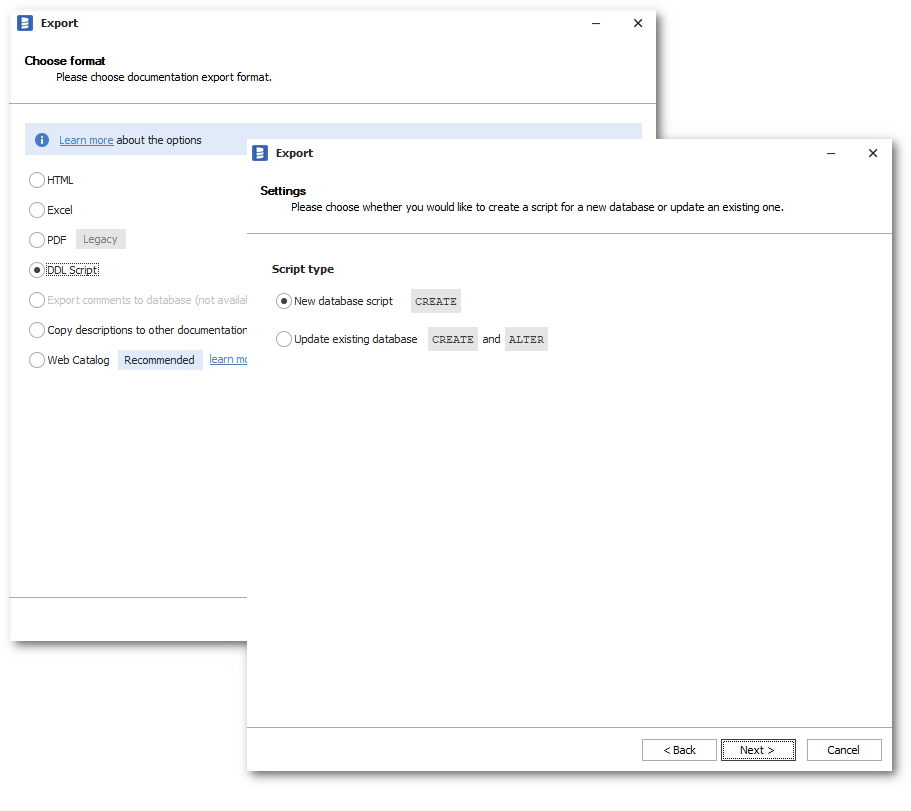
Start the Export from the main menu, and then choose the database and Script type.
Configuring the scope
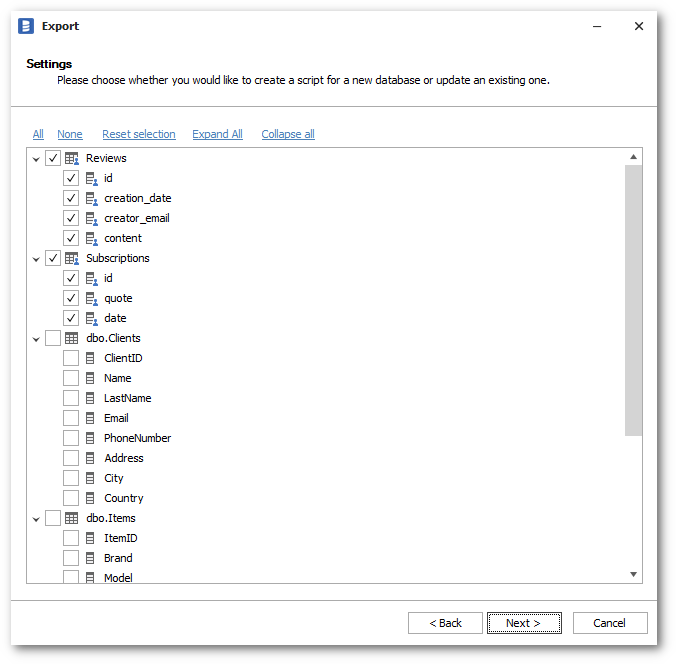
Based on what you choose in the step, a set of checkboxes will be set by default.
- For the "New database" option - all objects will be selected.
- For the "Update existing" option - only manual objects will be selected.
You can alter the selection as you wish and proceed.
Setting export options
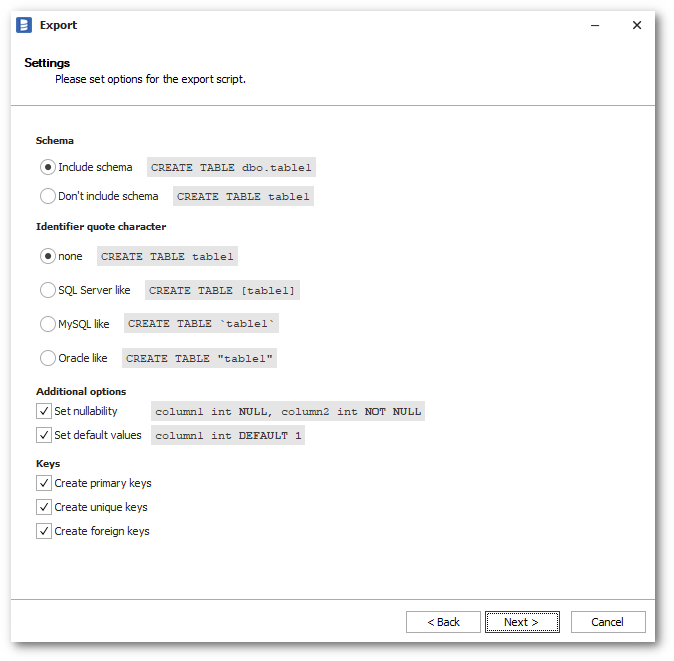
The last step before generation is where you can configure the export script.
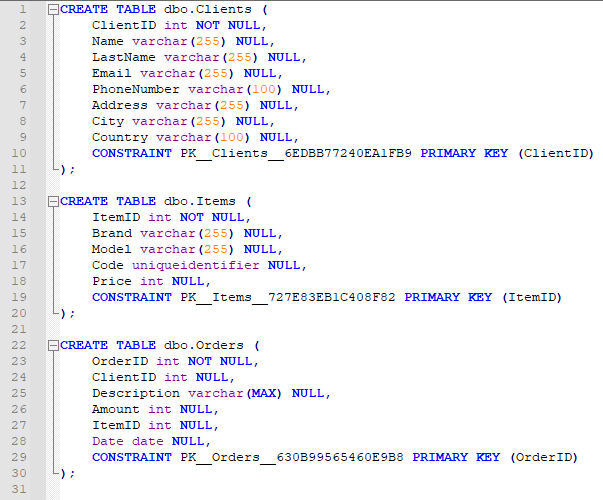
In the next steps, the script will be generated.
FAQ
Why was my foreign key not exported?
To correctly export a foreign key, you need to select all tables that this key requires.

