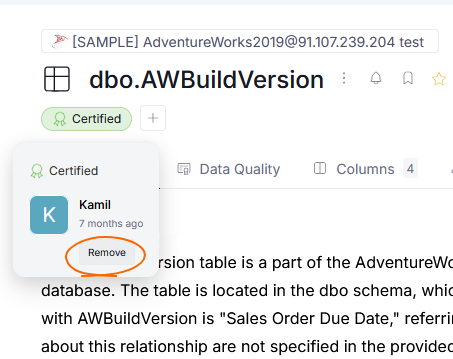
Adding badges
Data Stewards can assign badges to any object to highlight its importance.
Adding a badge
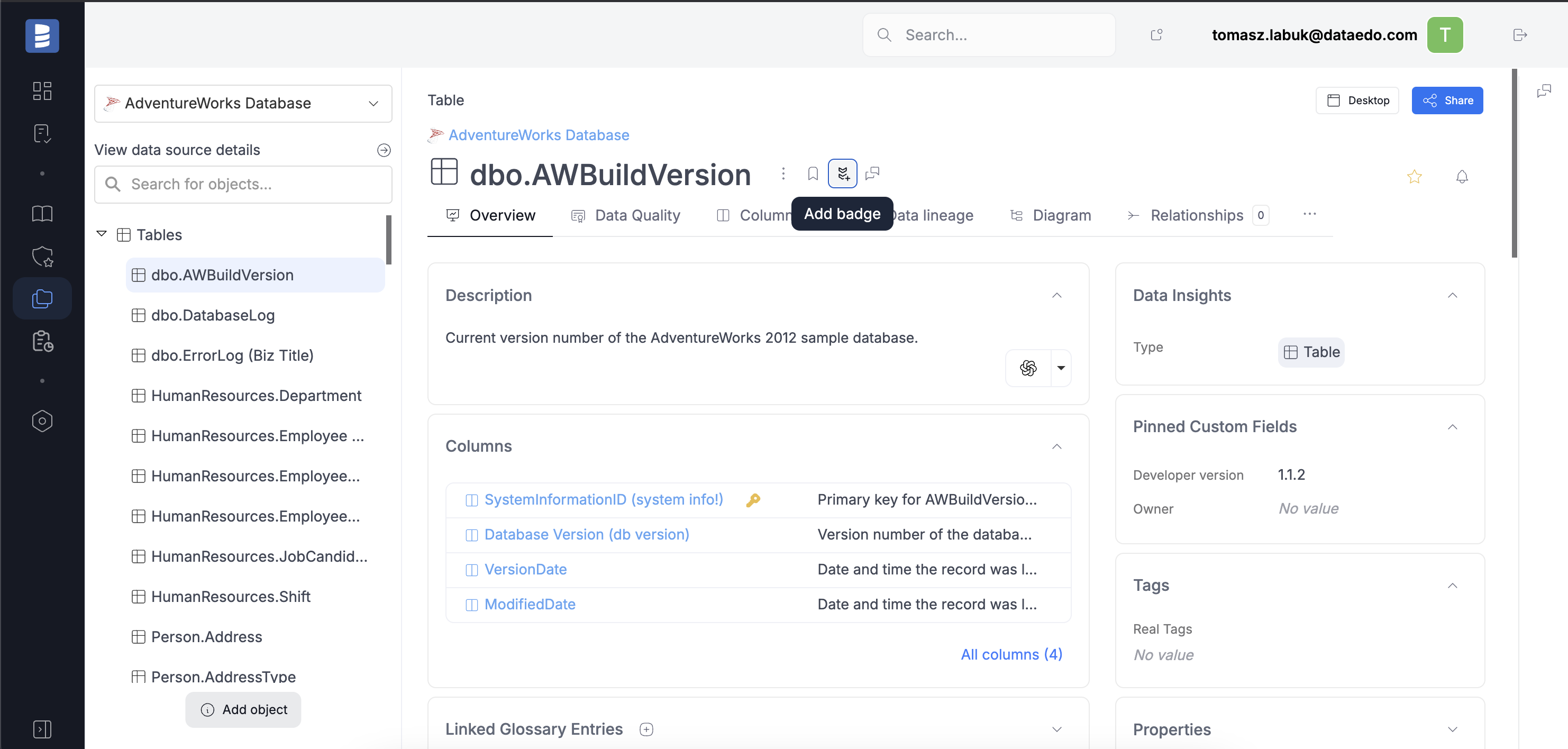
To add a badge, open the object you want to mark and click the icon next to its name.
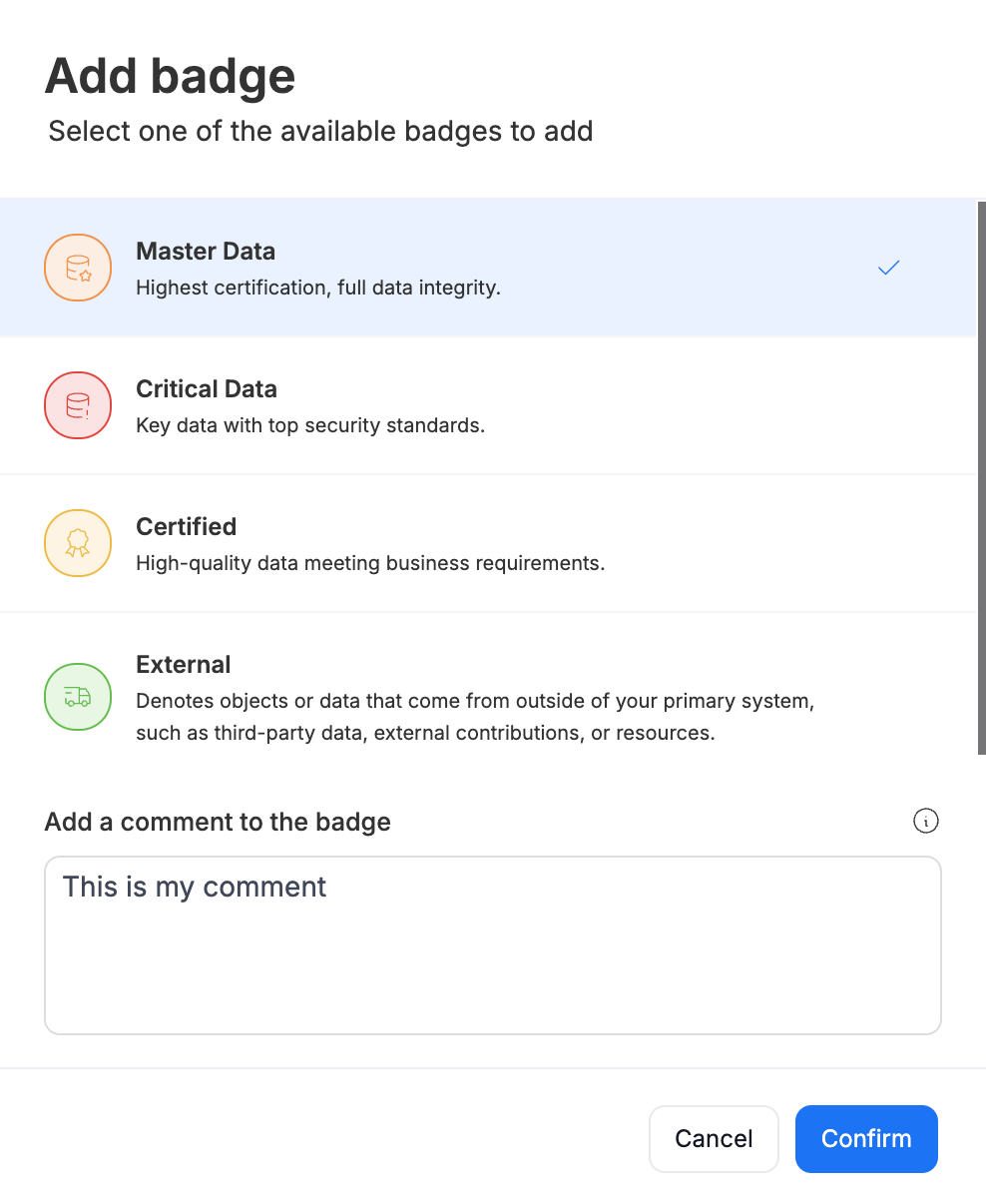
Select one of the available badges from the popup menu. You also have the option to add a comment with any relevant details.
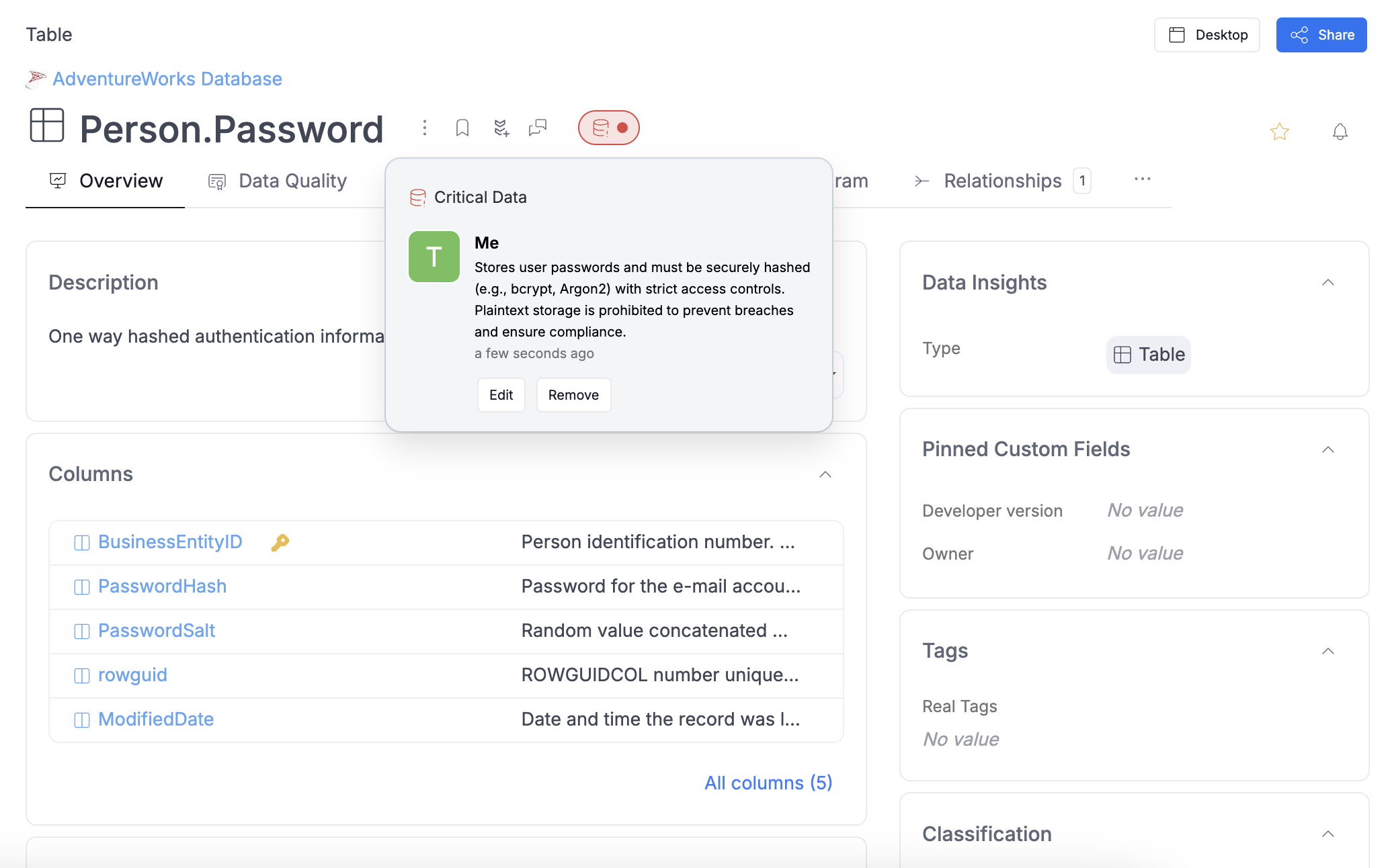
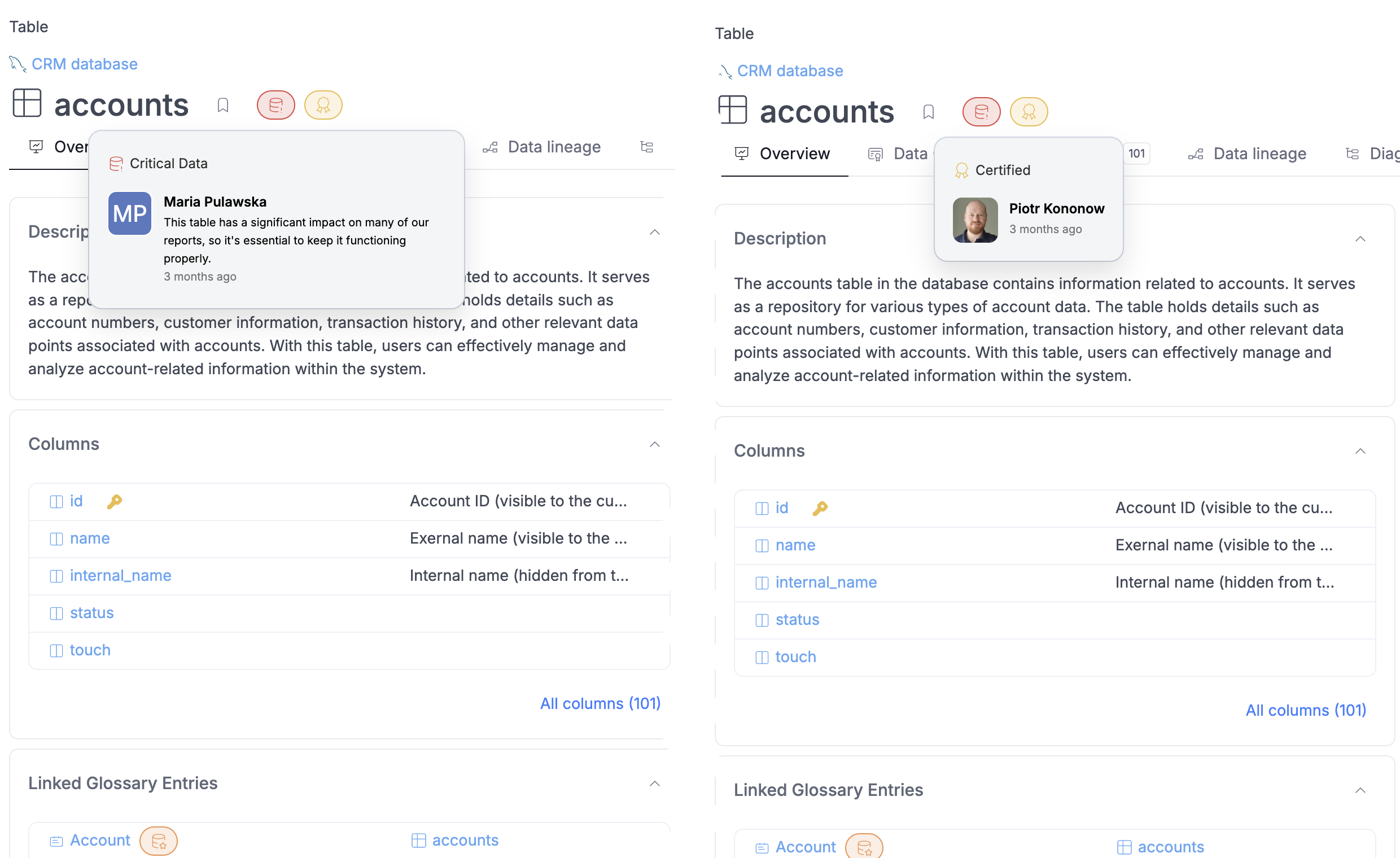
Once a badge is added, it will be visible on the object, with details displayed in the tooltip when hovered over.
Multiple people can add the same badge to an object, and an object can have multiple badges assigned to it.
Deleting a Badge
Users can always edit and remove the badges they assigned themselves. This can be done by hovering over a badge, and choosing either the edit or delete option.
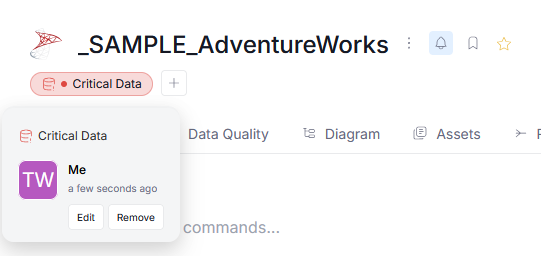
Additionally, Power Data Stewards, and Data Stewards can remove badges added by other users (since both Edit and Badges action permissions are required to do so). This feature is useful in situations, where a legacy, no longer applicable badge was added by a user who is no longer part of your organization.