Notification integrations
Integrations let Dataedo deliver notifications directly to the messaging platforms used by your organization. Setting up an integration requires Admin permissions in Dataedo, and usually in the external tool as well. Currently, Microsoft Teams and Slack are supported.
You can configure integrations in Settings > System Settings > Messaging. Each configured integration is shown as a card with its connection status, and + Add integration lets you add new ones.
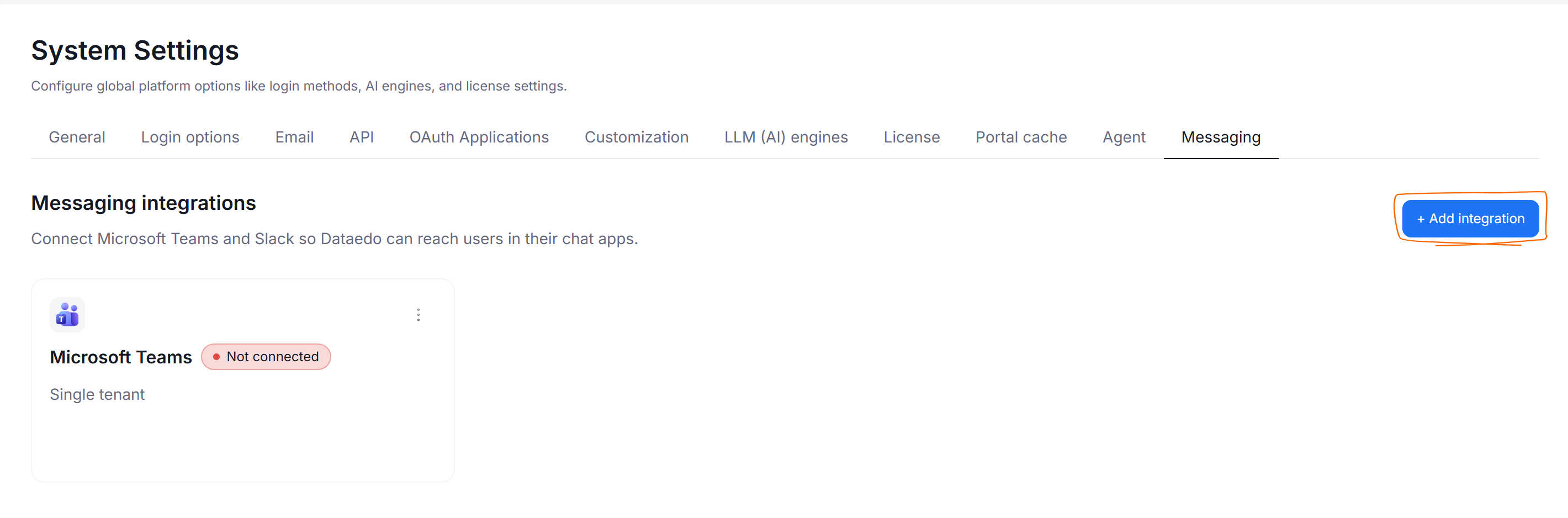
All integrations follow the same rules as the other notification channels:
- each integration adds its own column to the Notification types table in users' profile settings once it is configured, and every user decides which events it delivers to them
- users receive notifications only about objects they have permissions to — integrations follow the same visibility rules as all other channels
Available integrations
- Microsoft Teams — deliver notifications through a Teams chat with the Dataedo bot
- Slack — deliver notifications as direct messages from the Dataedo app in Slack

