Customizations
This article summarizes ways in which you can customize the Dataedo instance.
Documentation
Custom fields
Dataedo allows you to define up to 100 custom fields that you can use to describe your metadata assets.
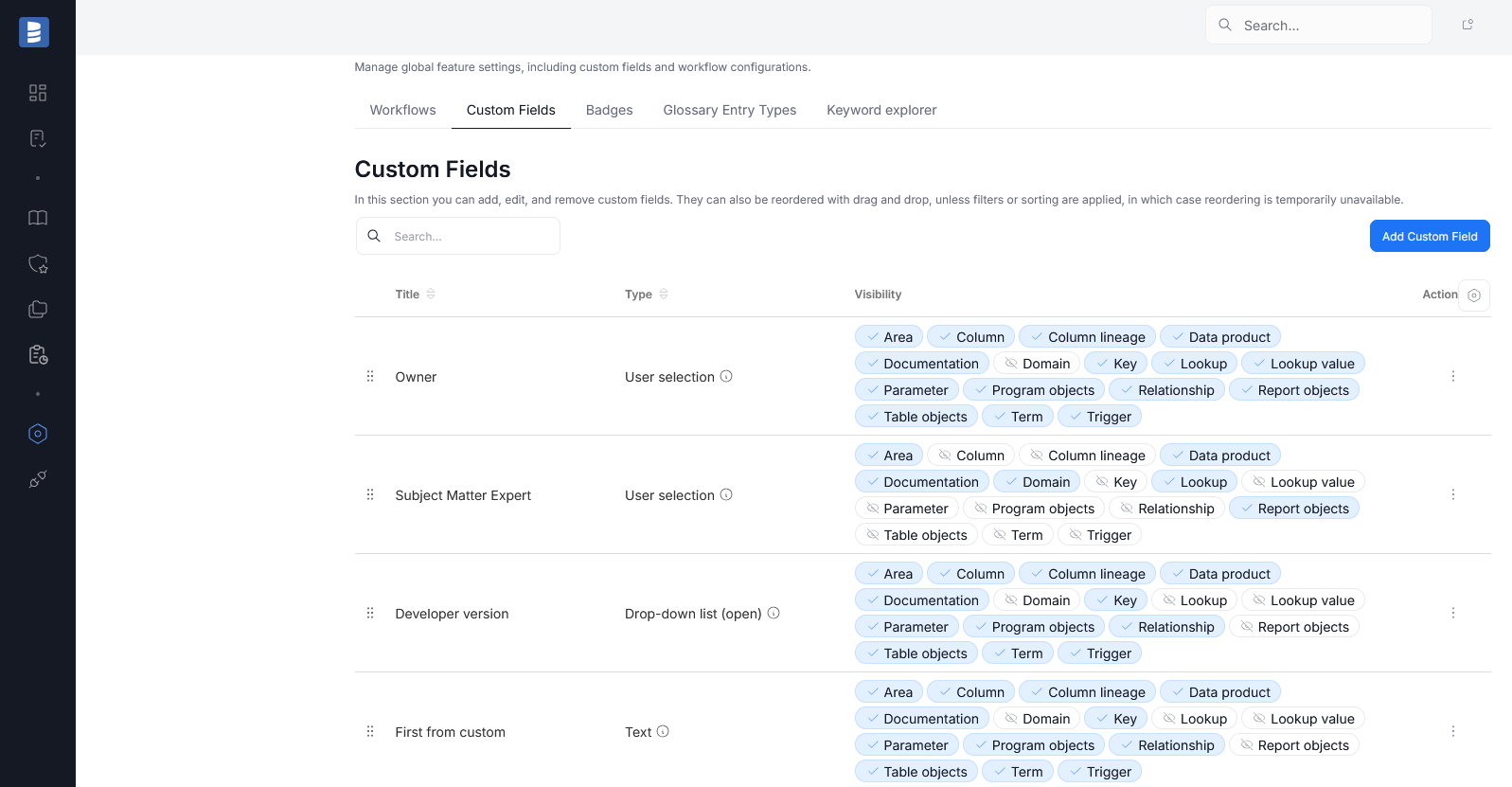
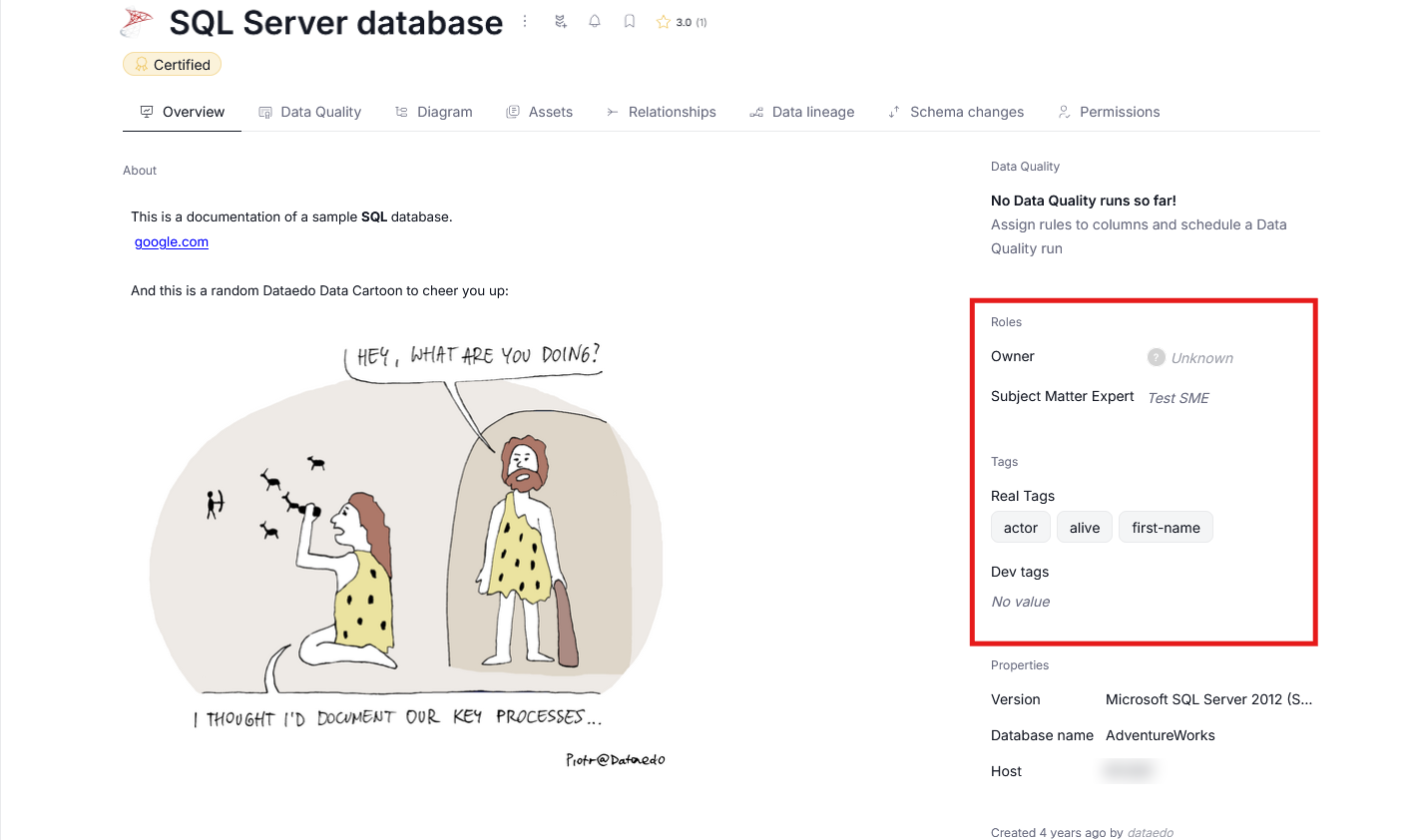
Among many other things, Custom Fields let you tailor Dataedo to your needs — store additional metadata, assign organizational Roles or add Tags. Find a full breakdown here.
Glossary entry types
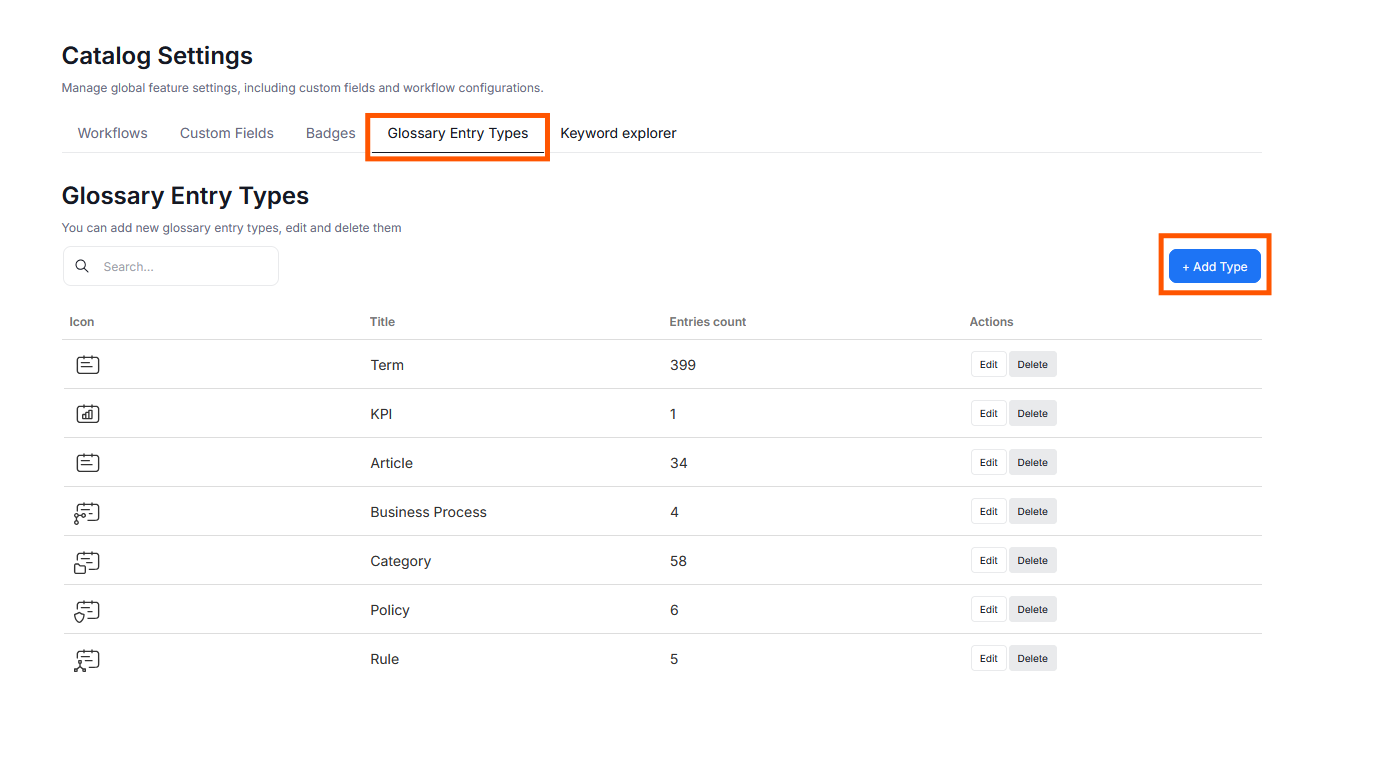
Dataedo comes with 6 default glossary entry types. Admins can easily add or edit the entry types by navigating to Settings > Dataedo Catalog settings > Glossary Entry Types. Learn more about glossary customization here.
Data Classification and Semantic Types
Dataedo Semantic Types allow for a quick, automatic grouping of Data stored in columns into major abstract categories (like Names, Phone Numbers, Identity card numbers, and many more). There are over 80 default Semantic Types, and Users can define their own, additional ones, with various rules governing how the Type assignment works.
Semantic Types can also be mapped onto Data Classification, streamlining the process of highlighting and restricting sensitive data, in accordance with various data protection acts. Users can edit existing Data Classifications, or create their own from scratch.
Learn more here
User Interface
Badge lists
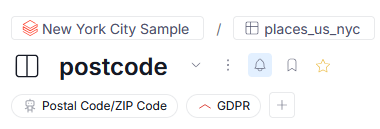
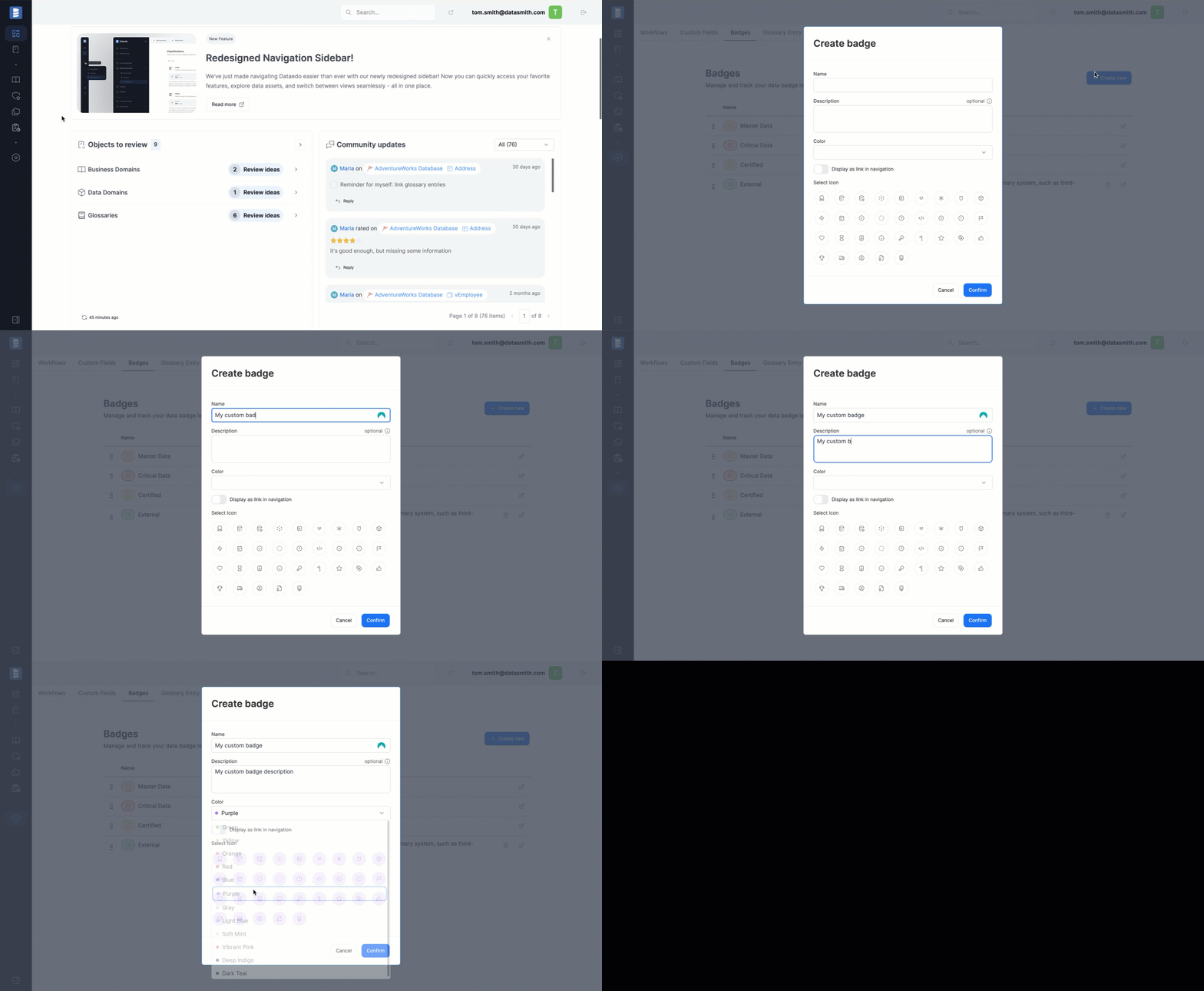
Badges provide a flexible way to highlight important objects or indicate approval from specific users. When creating badges in Settings>Catalog settings you can use the Show in Main Menu parameter to add a shortcut to a list of objects marked with a Badge directly in your Portal's navigation tree
Homepage
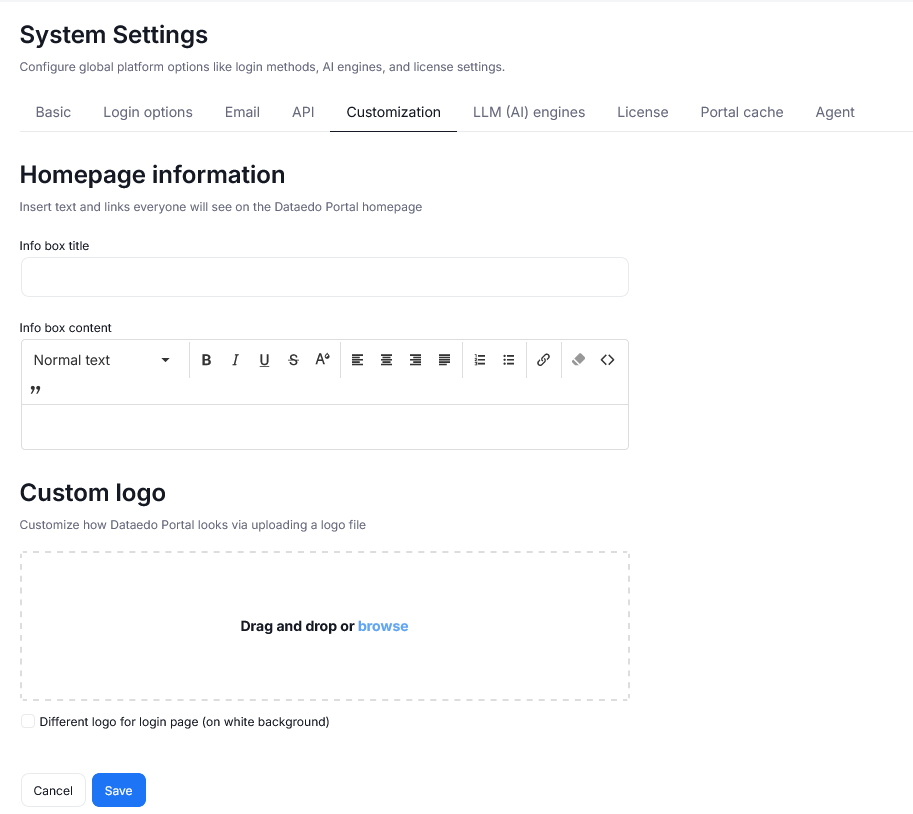
You can add a custom infobox on the Dataedo Portal homepage, as well as define your own Data catalog's name. To do this, go to Settings > System settings, and open the Customization tab (for Admin only).
To learn more watch the video tutorial
Login page
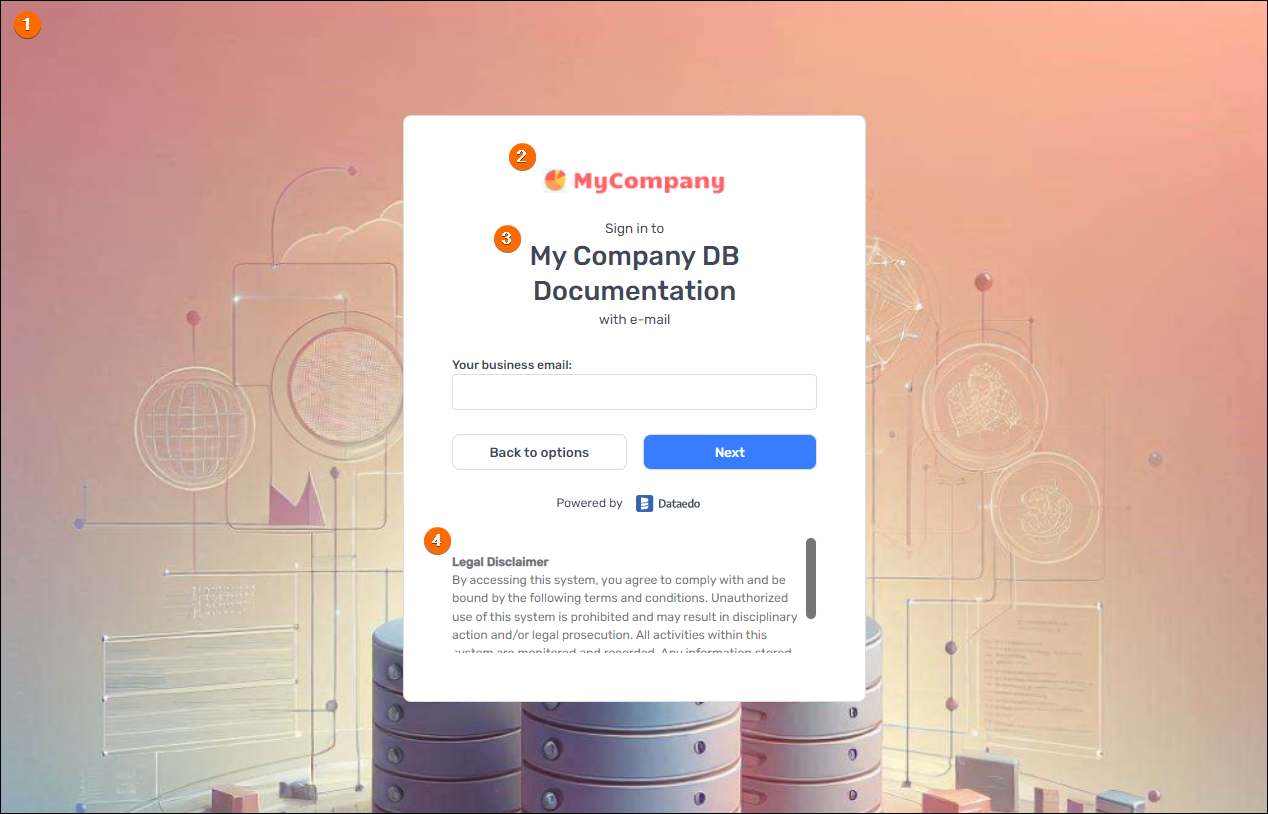
Dataedo Portal allows customizing the login page in Settings > System settings > Customization tab. It is possible to set:
- Custom background image
- Custom logo (may be different than the logo used within the Dataedo Portal)
- Custom data catalog name
- Custom text
To learn more watch the video tutorial
Tab visibility
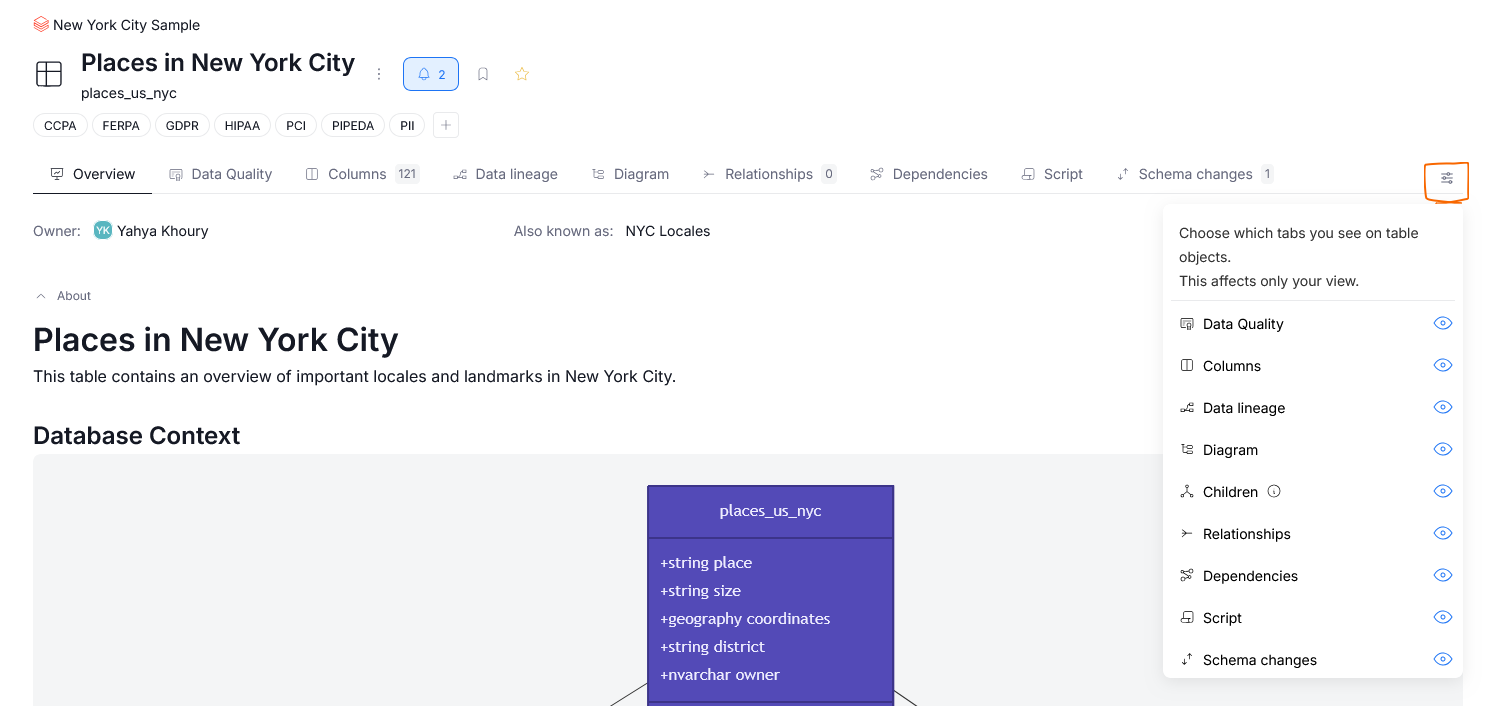
Assets in Dataedo have a range of tabs, not all of which are equally important for all users. Admins set the default tabs for each user group per object type, while every user can further personalize their own view. Learn more about tab visibility here.
User groups
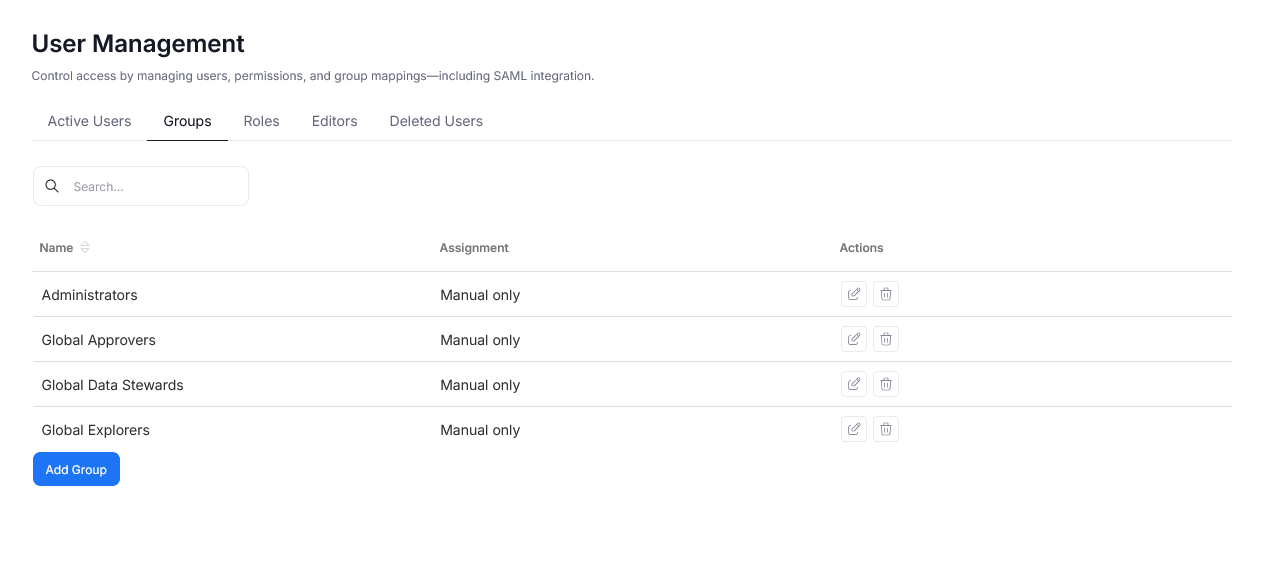
User Groups in Dataedo help you streamline user management. When you create the repository, 4 basic groups are created:
- Administrators
- Global Approvers
- Global Data Stewards
- Global Explorers
In the Settings>User Management>Groups section, you can:
- Edit existing groups
- Add new groups
- Set permissions for each group (by assigning the predefined roles to the whole repository or to the selected objects)
- Set a group as default (such group will be assigned to all newly created users)
Logic
Workflows
Dataedo Portal 24.2 comes with workflows - series of statuses that define stages of working with specific items in the repository. You can edit the default workflow, add your own statuses and set the following options to the current statuses:
- Color of the status
- Users who can set the status
- Users assigned to the status
- Visibility for Editors and Non-editors
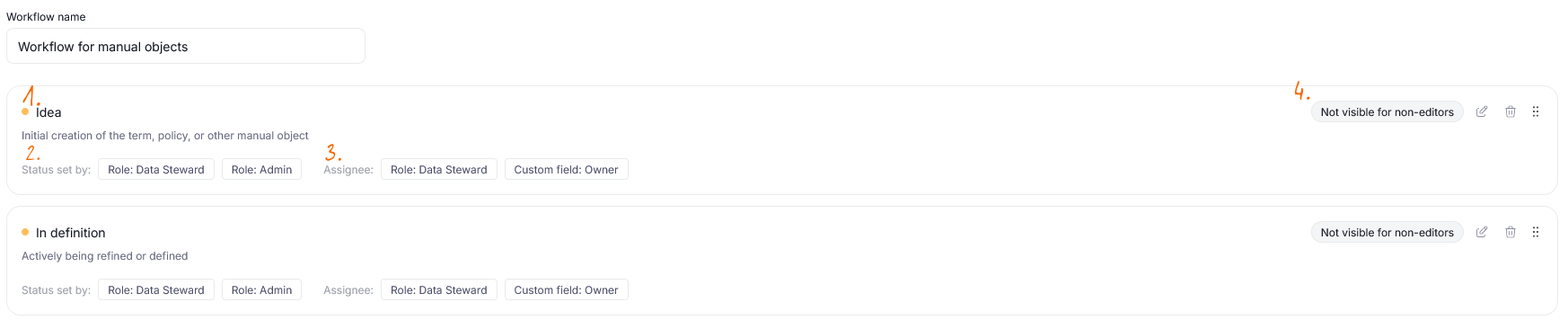
Names, descriptions, and CTA texts are customizable, too. Learn more here.
The topic was also discussed in Dataedo Talks #6
Metadata imports
Custom SQL connector
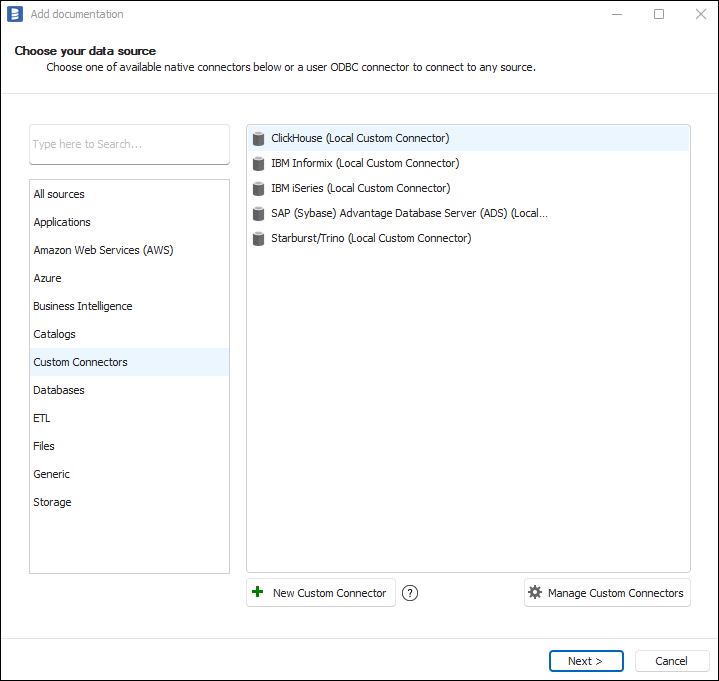
To help our users with connecting with various sources, we built a custom SQL connector functionality. Custom connectors are built and delivered by the Dataedo team or can be built by users (but still require signing by the Dataedo team). To request a custom connector contact our support team. Learn more about custom connectors.
Import with interface tables
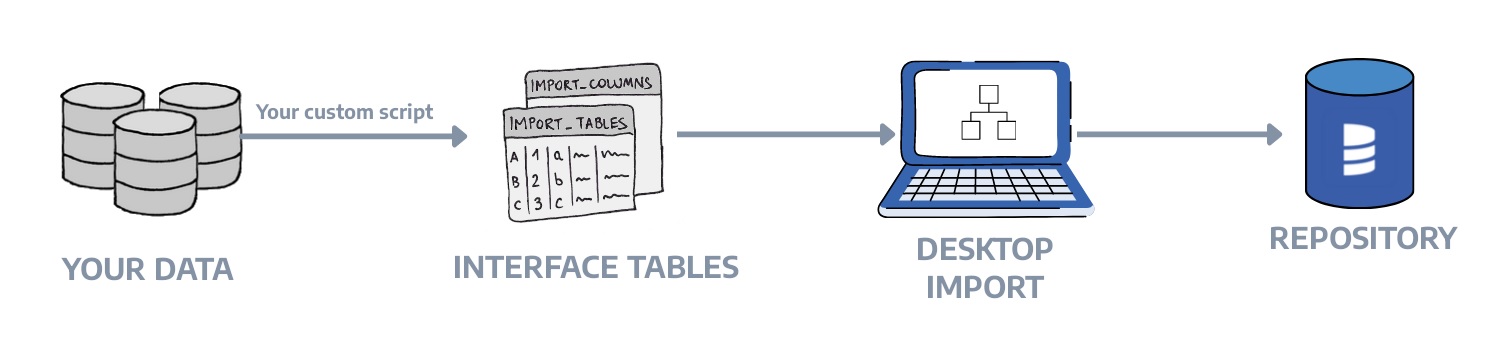
To allow importing metadata from custom solutions, Dataedo is equipped with Interface Tables functionality. Interface Tables are a way of exchanging data between the Dataedo Repository and any other external database through a defined set of tables. Learn more about using interface tables.
Integrate with API
Check Dataedo public API specification - an interface designed to help our users integrate Dataedo with other tools. While it primarily allows for data fetching, it also supports updating and creating certain objects. You can check all the information in the Public API documentation.

